
Guide: Add Twitter Feed to Framer Pages
Launch notes, changelog snippets and event reminders tend to appear on X (Twitter) before anywhere else. This walkthrough shows how to add Twitter feed to Framer with ElectricBlaze and one Embed layer, then deals with cards of uneven length.
What you need
- The handle of the X (Twitter) profile, typed without the @.
- Dashboard access at ElectricBlaze, free tier included.
- Editing rights in the Framer workspace that owns the site.
X's official embed script is fine for quoting one post. A continuously updated list of recent posts, styled with your palette and arranged as cards, is what the widget adds.
Create the X (Twitter) widget
Background on each setting is in the timeline card options overview. Quick version:
-

Point your browser at a.electricblaze.com; authenticate or register.
-

Under Create New Widget, go for the X (Twitter) Feed card.
-
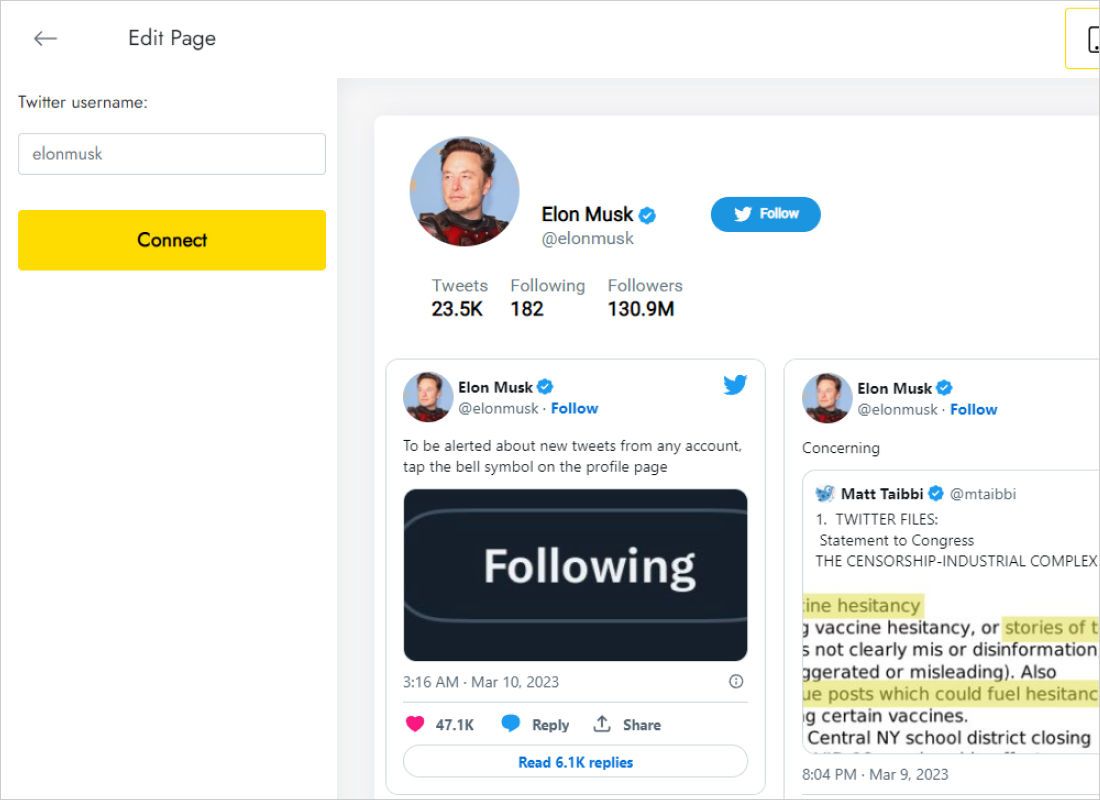
Data tab: the handle goes into Twitter username, followed by Connect.
-
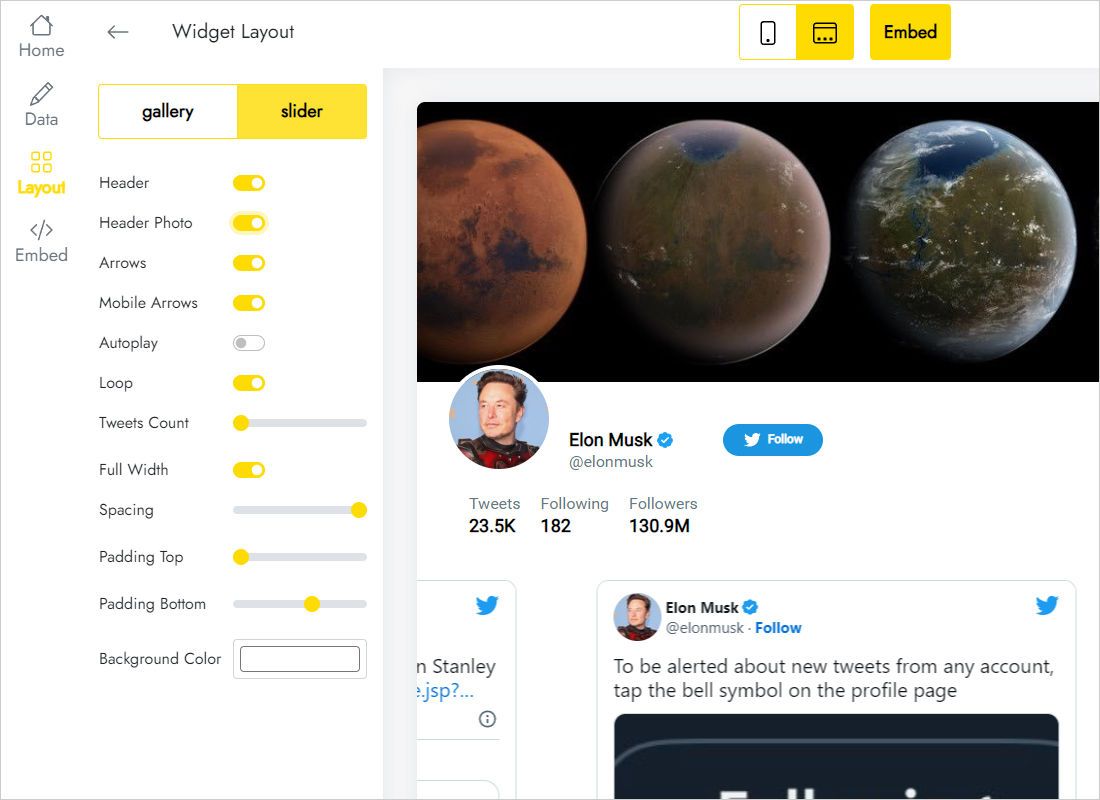
Layout tab: gallery against slider, then card columns, rows and gutters.
-
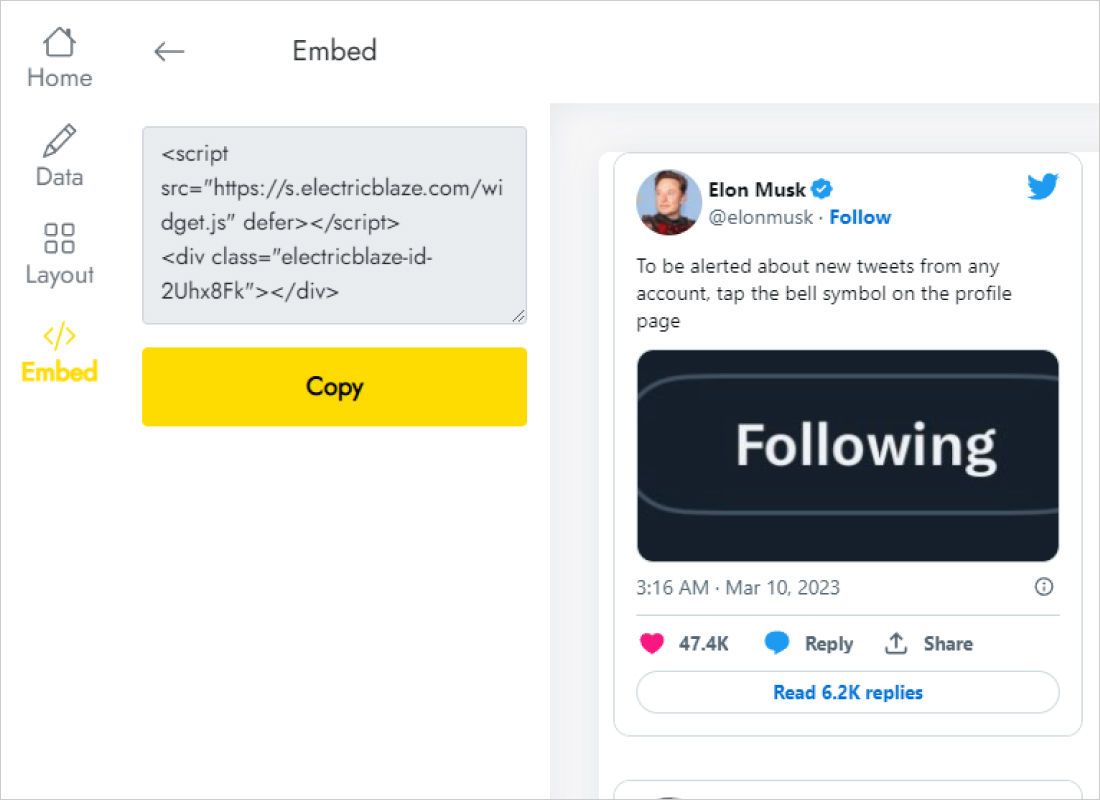
Add to website displays the embed markup.
Place the post stream in Framer
Open the destination page, for example Updates or Press.
- Highlight the stack meant for the posts.
- Insert menu → Embed → drag it inside.
- On the right, flip the type to HTML and drop in the markup.
- Fill for width; for height, a value covering two or three card rows.
- Publish and inspect it in Chrome, Safari or Firefox.
Scripts do not execute inside the editor, so the layer appears empty until the published version loads.
Handling uneven text cards
Some posts are a single sentence, others a long opener with a picture. Since the Embed keeps a fixed height, leave spare room below the tallest expected card.
- Narrow column. A lone column 320–380px wide echoes a phone timeline and pairs nicely with a large headline.
- Wide band. A slider presents three or four posts in a row while staying short.
- Tablet and Phone. Set heights per breakpoint; two gallery columns collapsing into one nearly doubles the space needed.
- Contrast. On dark sections choose light cards so text remains legible.
- Reuse. Turn the layer into a component to show identical posts on the blog index and the home page.
The Free tier refreshes posts daily. Start refreshes hourly, lifts the view limit and removes branding from every widget type on the account.
X (Twitter) on Framer: FAQ
Are X developer keys required?
No. Typing the handle is enough; ElectricBlaze manages the connection.
Posts look right on desktop yet clipped on a phone. Why?
The Phone breakpoint inherited the desktop height. Override it with a bigger value.
Will new posts appear without republishing?
Yes, after the next widget refresh.
Can I hide replies or reposts?
The stream reflects what the connected handle publishes. For a tighter selection, keep brand posts on a dedicated account and connect that one.
Continue reading
Jump to a sibling guide or the X (Twitter) product page:
Create an X (Twitter) stream
Type the handle, paste the markup into an Embed and publish.
Create a widget