
How to Add Instagram Feed to Wix
Want your latest posts on a Wix page? Here is how to add Instagram feed to Wix with an ElectricBlaze widget, and how to size the block so the whole gallery fits on desktop and on phones.
What you need first
- An Instagram Creator or Business account. Personal profiles cannot share posts with outside apps.
- A free ElectricBlaze account.
- Editor access to your Wix site. Any Wix plan works, the free one included, because the feed goes into an Embed HTML element.
Wix also offers Instagram apps in its App Market. An ElectricBlaze social feed is handy when you want the same gallery on other websites too, or need both a grid and a slider layout with captions you can switch on and off.
Step 1: Create the Instagram widget
Full feature details are in the Instagram gallery feature list; the short version:
-

Sign in to a.electricblaze.com or register for free.
-

Choose Create New Widget and pick Instagram Feed.
-
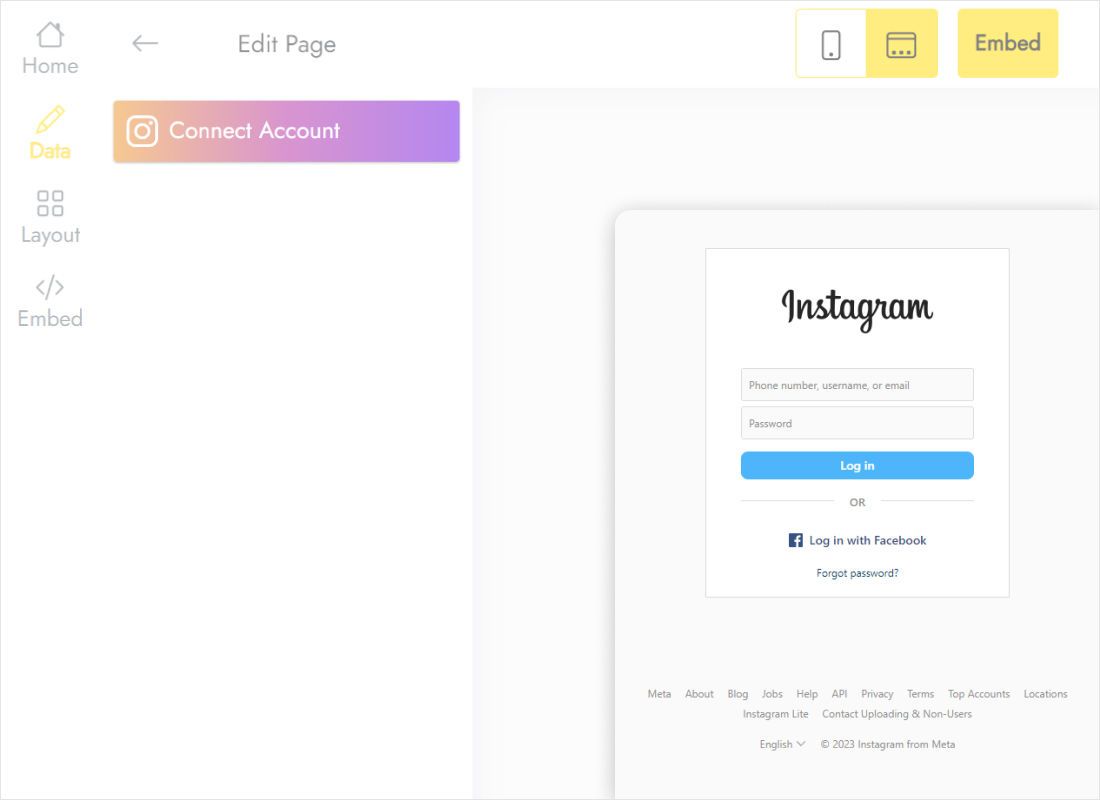
On the Data tab press Connect Account and approve access in the Instagram window.
-
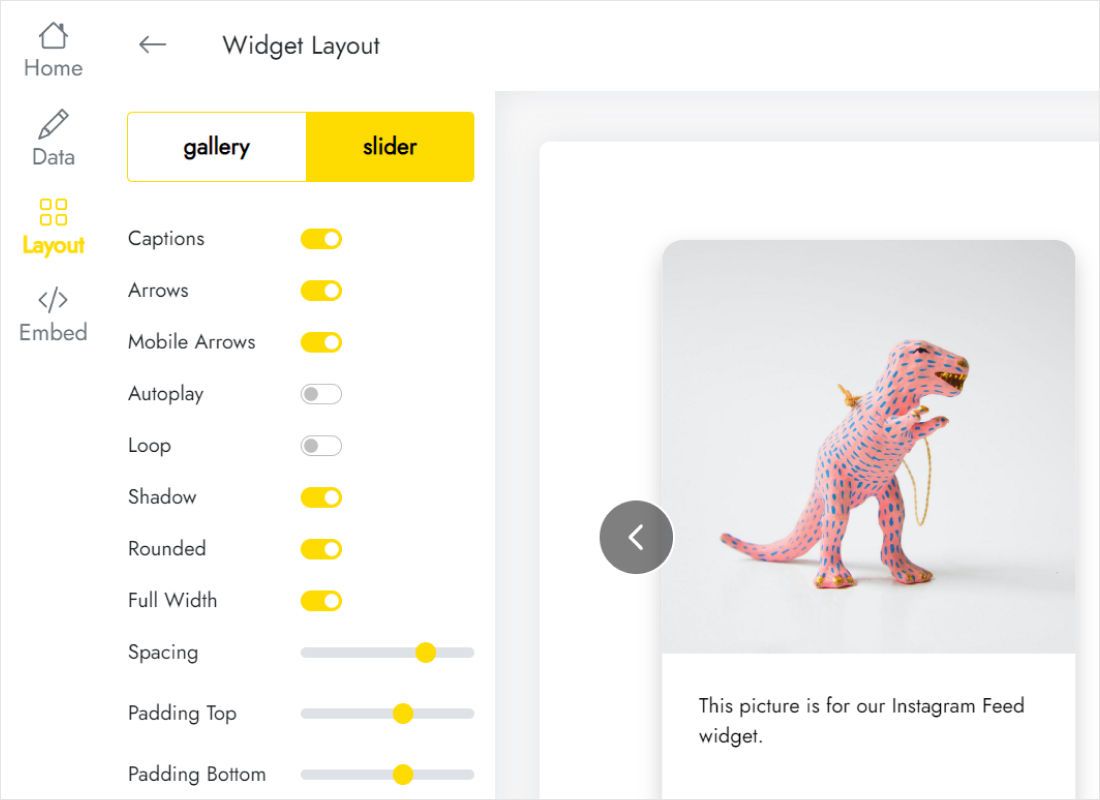
On Layout pick gallery or slider and set columns and rows. For Wix, fewer rows mean an easier fit.
-
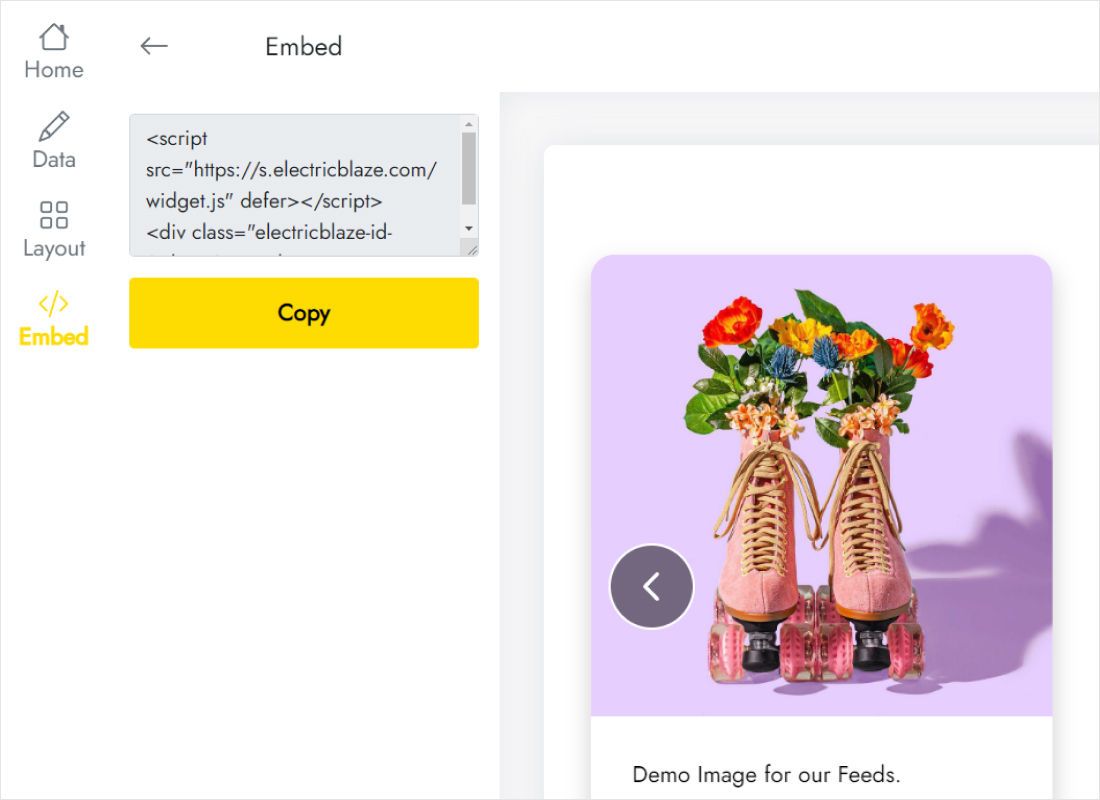
Press Add to website and copy the snippet.
Step 2: Embed Instagram feed on Wix website pages
Looked up “embed Instagram feed Wix” and landed here? These are the clicks in the editor.
- Open the page in the Wix Editor, for example Home or a Gallery page.
- Go to Add Elements (+) → Embed Code → Embed HTML.
- Click Enter Code, paste the Instagram snippet into the Code field and press Apply.
- Stretch the element across the section and drag its bottom edge until every row of photos is visible.
- Switch to the mobile editor, make the element taller if the columns stack, then publish.
The editor canvas may show an empty frame. Open Preview or the live site to see the posts.
Getting the Instagram gallery size right on Wix
An Embed HTML element has a fixed height, while the gallery grows with the number of rows. A practical starting point is about 300 pixels per row of photos on desktop; check the result on the published page and adjust.
- Tight space? Use the slider layout: one strip of posts fits under a text section or in a footer.
- Full-width look. Place the element in a strip or full-width section and turn on Full Width in the widget layout.
- Several pages. Paste the same snippet into an Embed HTML element on each page. One widget powers every copy.
New Instagram posts appear automatically after the widget refresh (daily on Free, hourly on Start), without republishing the Wix site.
Instagram feed on Wix: FAQ
Can you add Instagram feed to Wix on the free plan?
Yes. Both the Wix Embed HTML element and the ElectricBlaze Free plan cost nothing. The free widget plan includes 1,000 views a month.
Wix Instagram feed not working: what now?
Check the live page rather than the editor, make sure the Embed HTML element is tall enough, and reconnect the account on the Data tab if the profile type changed.
Why is the bottom of my Instagram grid cut off on Wix?
The Embed HTML element is shorter than the gallery. Drag its bottom edge down, or reduce the number of rows in the Layout tab.
Do I have to republish Wix when I post on Instagram?
No. The widget loads fresh posts on its own schedule. You republish only after moving or resizing the element.
Can I show the gallery on a Wix blog post?
Blog posts in Wix have their own editor with an HTML embed option. Paste the same snippet there; the size rules are the same.
Related guides
Other widgets you can add to Wix, the general Wix embedding guide and the Instagram widget overview:
Create your Instagram feed for Wix
Free to start. Connect your profile, copy the code and paste it into Wix.
Create a widget