
Facebook Feed Extension for Mobirise
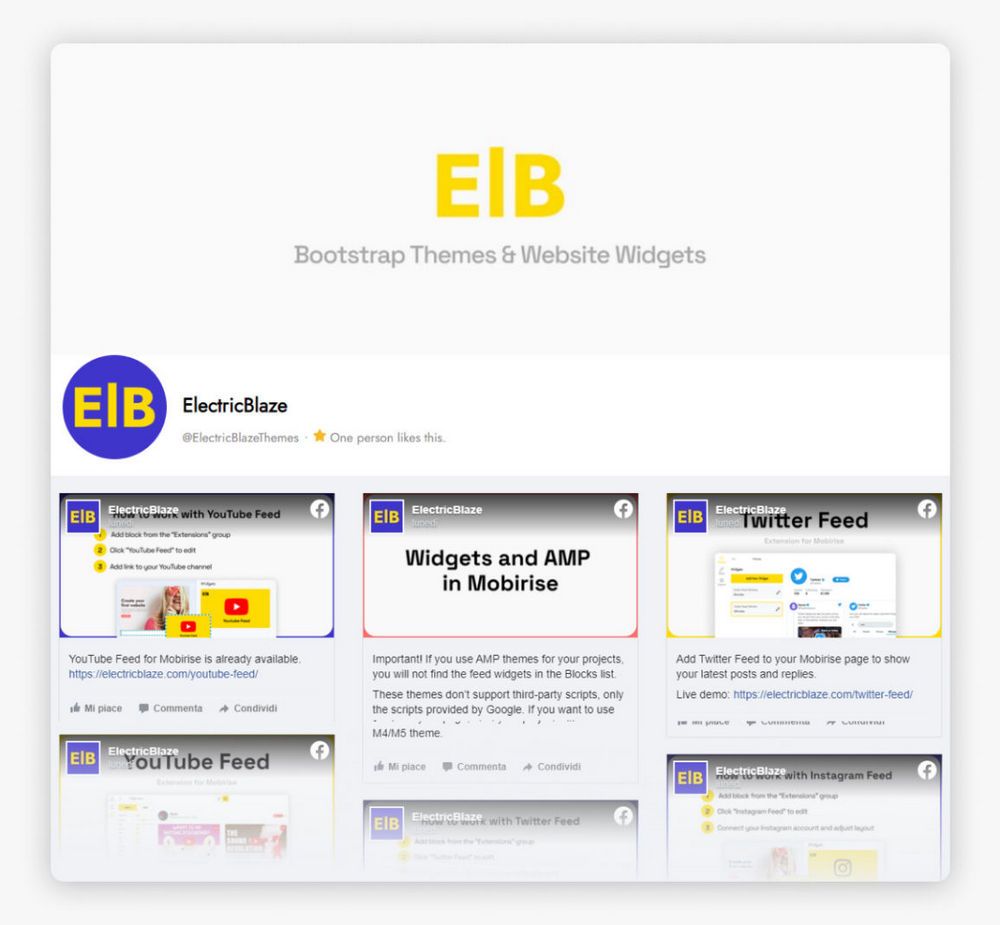
The Mobirise Facebook Feed extension brings the posts of your Facebook Page into a site block. Connect the Page once, and new updates show up on your website on their own, arranged as a gallery or a slider.
Buy NowGallery layout with Page posts
Slider layout with Page posts
What the Mobirise Facebook Feed block gives you
Visitors see what you shared recently, from announcements to event photos, and can jump to the Page to like or comment. Ordinary website traffic turns into new followers while you keep posting in one place, and a grid of your Instagram photos can sit right beside the block.
Not building with Mobirise? Use the Page posts block for other websites.
Adding Facebook Page posts in Mobirise
- Launch Mobirise, open Extensions in the menu and click the Import link to install Facebook Feed.
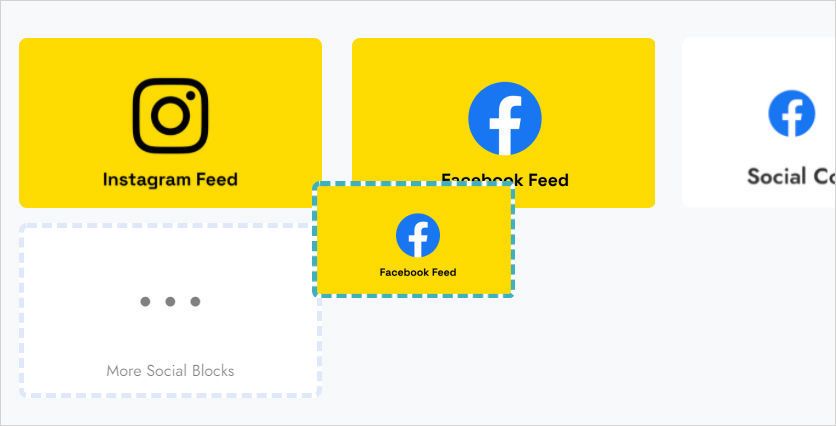
- Open your project and add the block with the feed from the blocks list.
- Click that block on the page to launch the ElectricBlaze app.
- Press Add New Widget and select Facebook Feed.
- On the Data tab choose Connect Facebook Page and allow the app to read the Page’s posts.
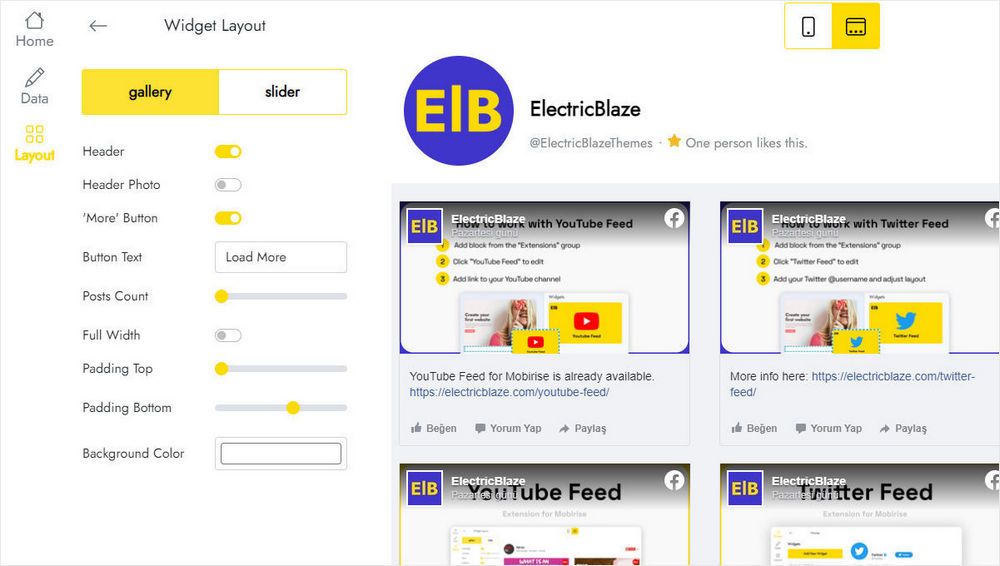
- Switch to the Layout tab to pick Gallery or Slider and tune the look.
- Click Save and Close, then publish the site.
Questions about the Facebook extension
How do I link a Facebook Page to the block?
Click the block, open the Data tab and press Connect Facebook Page. Log in, approve access for the ElectricBlaze app, and posts from that Page start loading.
Where is the block after import?
Look in the blocks list of your project. Drag it into the section where Page updates should appear.
How many feeds can I set up?
You can create five widgets in total.
Can the same Page feed appear on several pages or sites?
Yes. Save the configured block to User Blocks and drop it anywhere, or insert a new block and choose the feed you already made from Home in the editor.
How do I remove a feed, and what happens next?
Open Data in the editor and click Remove at the bottom of the panel. The feed vanishes from all projects and published sites at once, and there is no way to restore it.
Do I need to republish after changing the feed?
No. Switch the layout or reconnect another Page in the editor, and live sites pick up the change without touching the site itself.
Who develops this extension and where can I get help?
ElectricBlaze, a Mobirise partner, builds it. Write to [email protected] with the word ElectricBlaze anywhere in the email, and the request is forwarded to our team.
Is Facebook Feed included in Mobirise Kit?
Yes, while your Kit license is valid you can use it at no extra charge. It is also sold as a separate extension.
What happens when my license expires?
Adding or editing the block is no longer possible, and published pages may display a “Your license has expired” alert above the posts.