
TikTok Feed Extension for Mobirise
With the Mobirise TikTok Feed extension your newest clips play right on your website. Connect the TikTok account once, and the block fills with short videos arranged as a gallery or a slider.
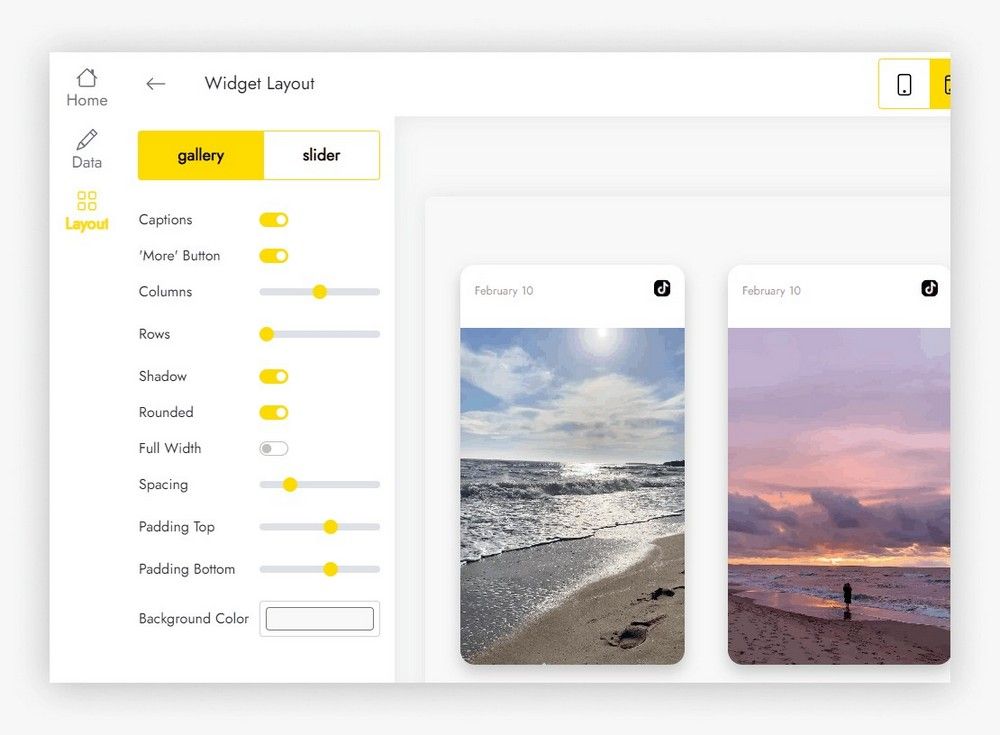
Buy NowShort clips in a gallery layout
Short clips in a slider layout
More viewers with the Mobirise TikTok Feed block
Lively clips give people a reason to stay on the page, and the curious ones head to your profile. The traffic you already have becomes a steady source of new viewers, and longer uploads from your channel can keep them watching.
Not building with Mobirise? Grab the standalone embed for other site platforms.
Adding TikTok clips to a Mobirise page
- Open the Mobirise menu, choose Extensions and import TikTok Feed with the link under the title.
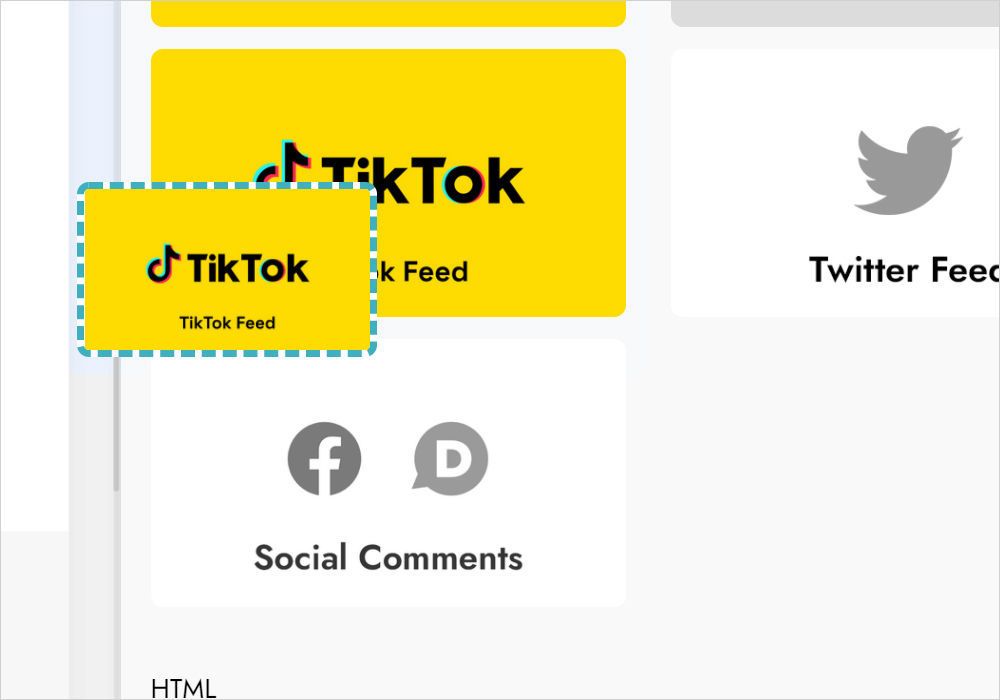
- Load your site and insert the TikTok Feed block from the Blocks list.
- Click the block to open the widget app.
- Select Add New Widget and choose TikTok Feed.
- On Data, press Connect TikTok Account and let the ElectricBlaze app use your account data.
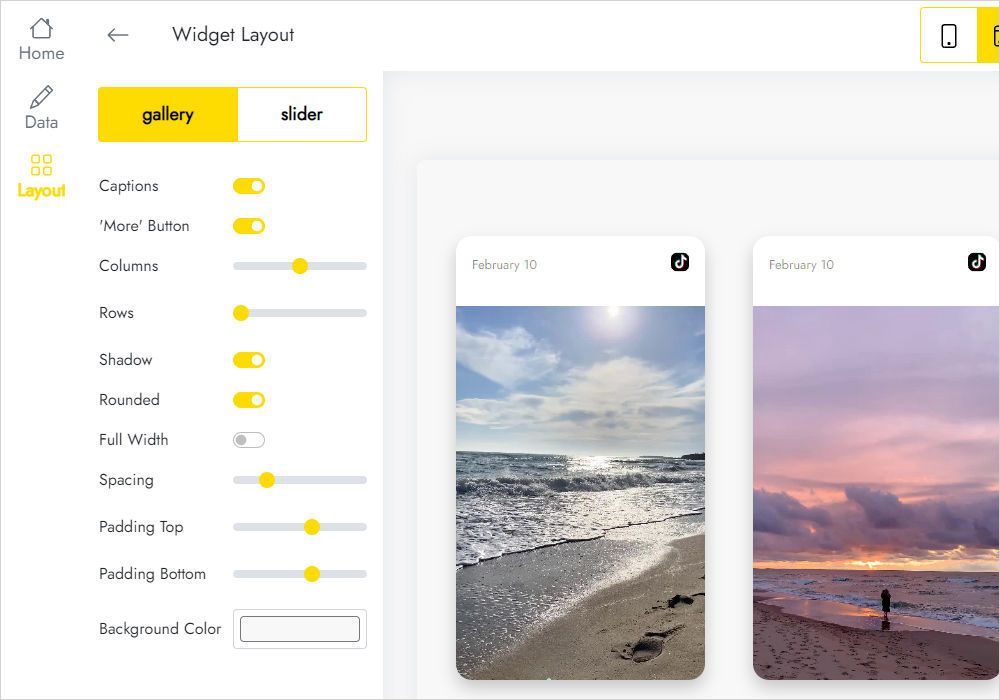
- Style the clips on the Layout tab.
- Finish with Save and Close and publish.
TikTok extension FAQ
How is a TikTok account connected?
Go to the Data tab of your block and click Connect TikTok Account. After you allow access, the videos from that profile appear.
How do I add the block to a site?
Install the extension from the Extensions menu, then choose the block in the Blocks list and place it on a page.
Is the number of widgets limited?
It is: you can have five widgets at most.
How can I reuse my clips elsewhere?
Save them as a User Block, then insert it into another page or project. Alternatively drop in a new block and open the existing widget from Home in the editor.
What does Remove do?
You find it at the bottom of the Data panel. It erases the widget from every project and every published site, and the deletion is final.
If I restyle the clips, must I edit the site again?
No, saved changes flow to live pages by themselves; there is nothing to re-upload.
Who developed TikTok Feed?
It comes from ElectricBlaze, one of the Mobirise partners.
How do I reach the developers?
Use the general support address [email protected]. Put ElectricBlaze anywhere in the email body and it is routed to the right people automatically.
Is TikTok Feed part of the Kit?
Yes. Holders of an active Mobirise Kit license use it without paying more until the license ends. A separate purchase is possible as well.
What if my Mobirise license has expired?
The block can no longer be added or edited, and visitors of published sites may see a notice reading “Your license has expired”.