

Pinterest Feed Extension for Mobirise
The Mobirise Pinterest Feed extension places pins from one of your boards on a website page. Connect the board, and the images show as a gallery or a slider, with descriptions under them or hidden.
Buy NowPins in a gallery layout
Pins in a slider layout
A board on your page with the Mobirise Pinterest Feed block
Mood boards, recipes, product ideas or portfolio pieces look natural next to the rest of your content, including a photo grid from your Instagram. Linking a board takes a few clicks, and readers who enjoy the pins can open them on Pinterest and follow your profile.
Not building with Mobirise? See the pins embed for sites made elsewhere.
How to connect a Pinterest board in Mobirise
- In Mobirise open Menu → Extensions and use the Import link to add Pinterest Feed.
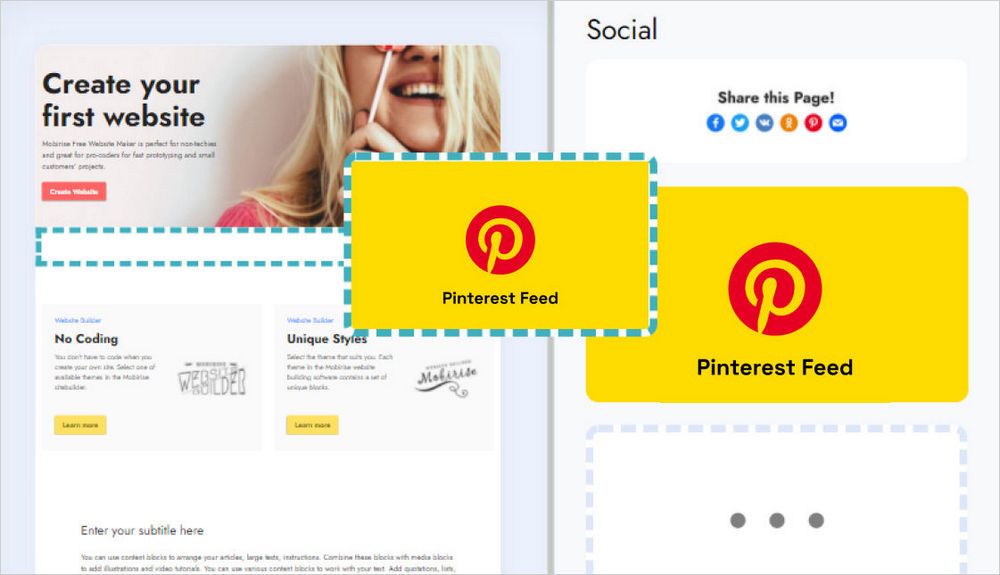
- Go to your site and place the Pinterest Feed block from the blocks list.
- Click the block; the ElectricBlaze app starts.
- Click Add New Widget and pick Pinterest Feed.
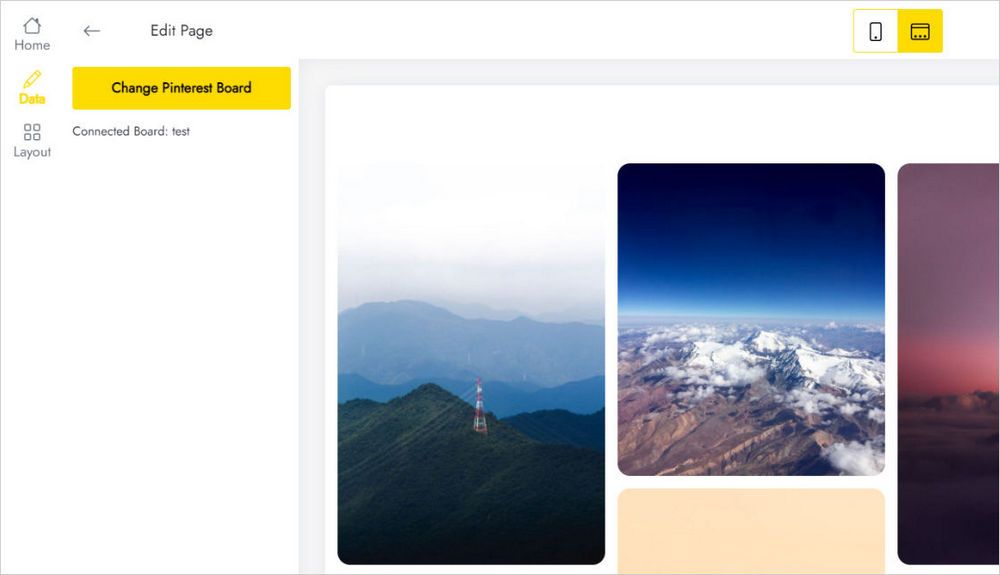
- On the Data tab press Connect Pinterest Board, grant access and choose which board to show.
- Decide between Gallery and Slider and polish the look on the Layout tab.
- Press Save and Close and publish your site.
Pinterest extension: answers
How do I connect a board?
Open Data, click Connect Pinterest Board and give the app access. Then pick the board whose pins should appear.
How do I add the block to my page?
Import the extension via the Extensions menu. The block then shows up in the blocks list of any project, so you can add it like a regular block.
How many pin widgets can I create?
Up to five widgets altogether.
Can I put the same pins on other pages?
Yes. Save the block in User Blocks and add it wherever you like, or place a new block, open Home in the editor and choose the widget you built.
How do I delete my pins widget?
Click Remove at the foot of the Data panel. Be careful: it is wiped from all projects and published sites and cannot be brought back.
Do board changes need a new upload of the site?
No. Pick another board or change the layout in the editor, and pages already online update without editing the site.
Who makes Pinterest Feed?
ElectricBlaze, a partner company of Mobirise.
Where can I get support?
Write to [email protected] and add the word ElectricBlaze to your message. The email is forwarded to our developers.
Is it included in Mobirise Kit?
Yes. With a valid Kit license the Pinterest extension costs nothing extra for the length of the license. You may also buy it on its own.
What happens after my license expires?
You cannot add or change the block anymore, and a published site may display “Your license has expired” above the pins.