
Popup Chat Extension for Mobirise
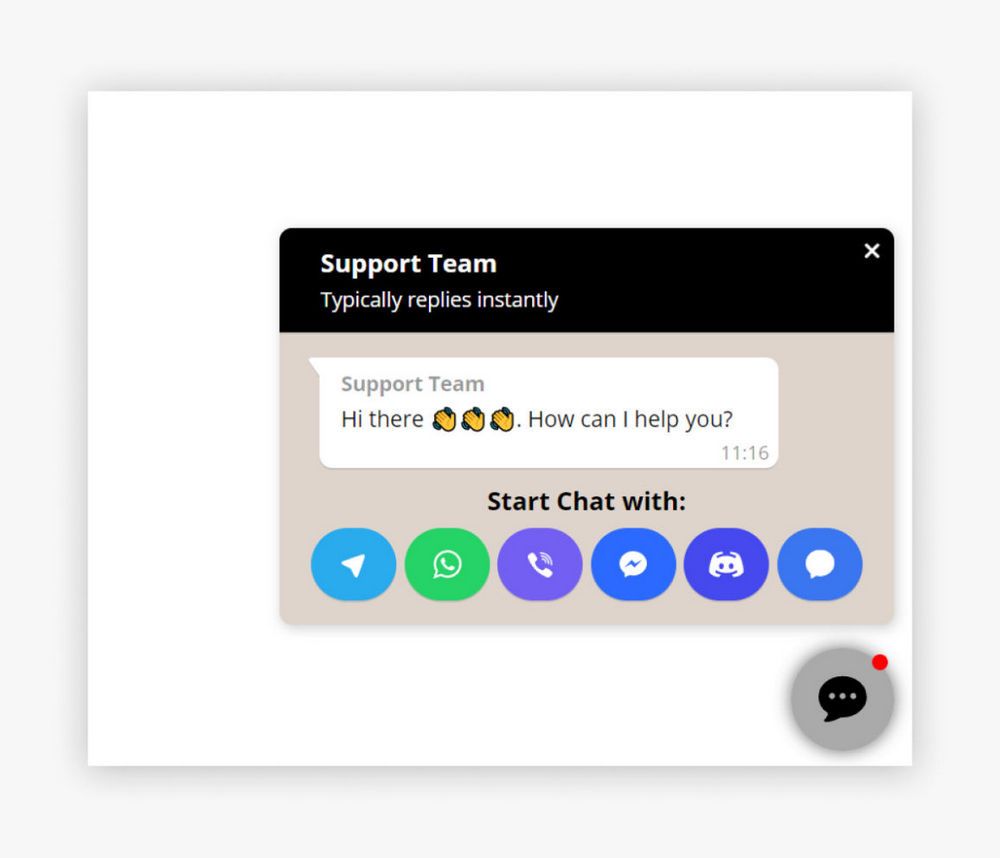
The Mobirise Popup Chat extension adds a single button that opens your messengers, so customers can reach you in the app they already use: WhatsApp, Messenger, Telegram, Viber, Signal or Discord.
Buy NowTry the button live
You can see the widget at the bottom right corner.
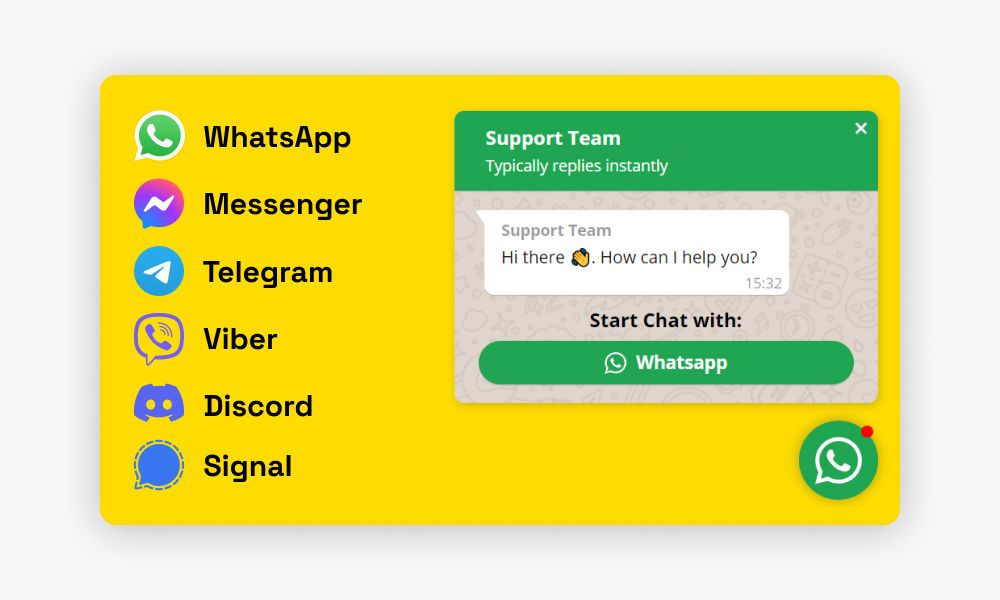
Why add the Mobirise Popup Chat block
No coding is needed. If you build your site in Mobirise, drop the block on a page, type in your contacts, and the button appears for everyone who visits that page, including shop pages built around a product list that collects orders.
Not building with Mobirise? Use the contact button for other websites.
How to set up Popup Chat in Mobirise
- In Mobirise go to Menu → Extensions and import Popup Chat with its Import link.
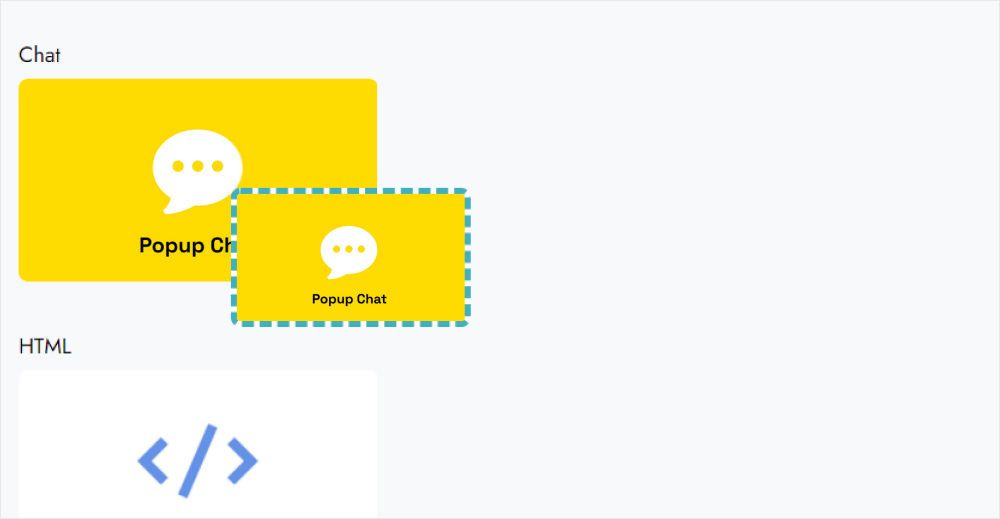
- Open your site and add the Popup Chat block from the blocks list.
- Click the block to launch the app.
- Choose Add New Widget and select Popup Chat.
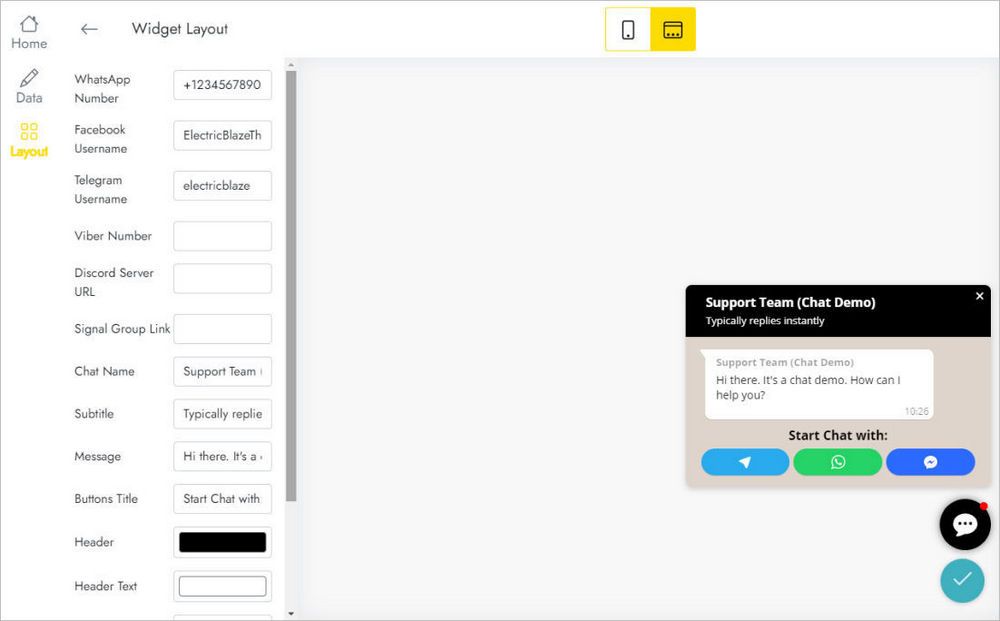
- On the Layout tab enter your contacts for WhatsApp, Messenger, Telegram, Viber, Signal or Discord, and adjust how the button looks.
- Press Save and Close and publish the site.
Popup Chat FAQ
Which messengers can I add?
WhatsApp, Messenger, Telegram, Viber, Signal and Discord. Fill in the contacts for the ones you use.
How do I add the block to my site?
First import the extension from the Extensions menu. Then insert the block on a page, just like any other block from the list.
How many widgets can I make?
The total limit is five widgets.
Can the same button appear on every page?
Yes. Save it to User Blocks and add it to each page, or insert a new block and pick the one you already configured in the editor’s Home menu.
How do I delete a chat widget?
Go to Data in the editor and click Remove at the bottom of the panel. Warning: it is deleted from all projects and published sites, and this cannot be undone.
Can I change contacts without republishing?
Yes. Update a phone number or username in the editor, and live pages use the new contacts without any edit to the site.
Who is the developer?
ElectricBlaze, a partner of Mobirise.
Where can I get help with Popup Chat?
Email [email protected] and write ElectricBlaze anywhere in the body. The message goes to our team automatically.
Is Popup Chat included in Mobirise Kit?
Yes. Users with a valid Kit license pay nothing extra during the license period, and the extension can also be purchased on its own.
What if my license expires?
You will not be able to add or edit the block, and published sites can show a “Your license has expired” alert.