
X (Twitter) Feed Extension for Mobirise
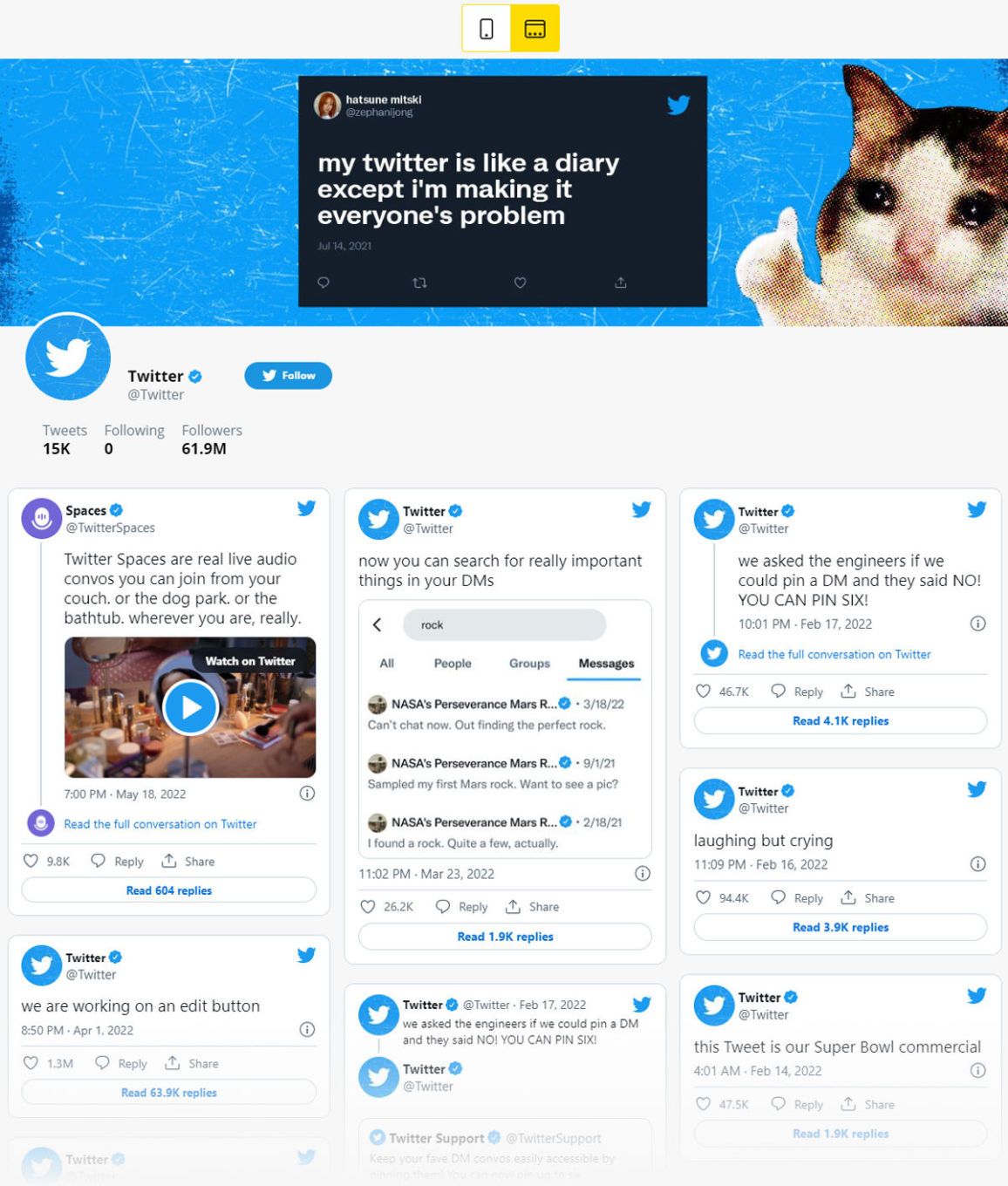
The Mobirise Twitter Feed extension shows your recent X posts inside a page block. Type your username, and tweets appear as a slider or a gallery, with photo descriptions shown or hidden.
Buy NowPosts in a slider layout
Posts in a gallery layout

Your tweets on the site: the Mobirise Twitter Feed block
Website visitors who read your posts are a single click away from following the account on X. Choose the layout that fits the section, adjust it in a few clicks, and the block keeps showing your latest updates, which pair well with news from your company Page.
Not building with Mobirise? There is a version for any other website as well.
Setting up the X posts block in Mobirise
- Go to Extensions in the Mobirise menu, locate Twitter Feed and install it via its Import link.
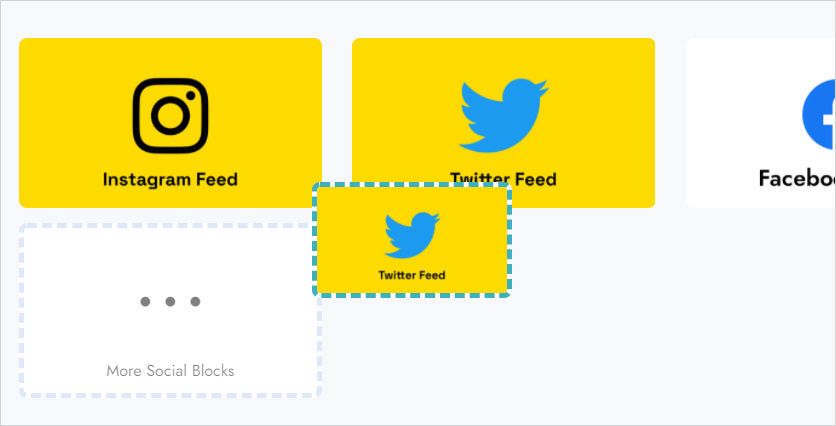
- Inside your site, add the Twitter Feed block from the blocks list.
- Click on it to start the ElectricBlaze app.
- Use Add New Widget and pick the X (Twitter) feed.
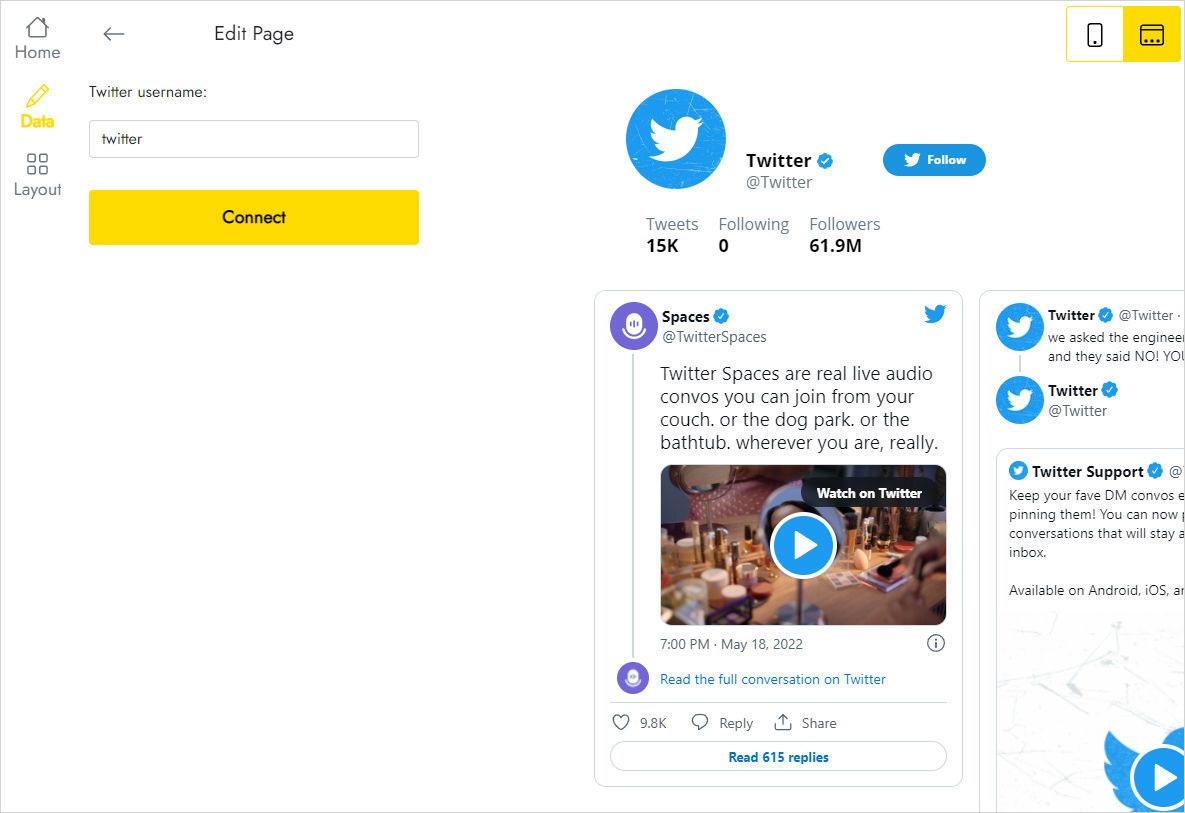
- Type your username on the Data tab and confirm with Connect.
- Arrange posts as Slider or Gallery on the Layout tab.
- Save with Save and Close; publishing the site makes the tweets visible.
Common questions about the X extension
How do I connect my X account?
Open the Data tab of the block, enter the account username and press Connect. That is all it needs to fetch your tweets.
How do I get the block onto a page?
After importing the extension, open the blocks list in your project and drag the block into place.
How many X widgets can I make?
Five in total, and that cap covers every widget you create.
Can one set of tweets be used on several sites?
Sure. Keep a copy in User Blocks for quick reuse, or add a new block and select the saved widget through Home in the editor.
How do I delete it?
Press Remove at the bottom of the Data panel. Keep in mind the widget then disappears from all of your projects and live websites, permanently.
Can I update the tweets block without republishing?
Yes. Any change you save in the editor, such as a new layout or another username, reaches the published site on its own.
Who created the extension?
The ElectricBlaze team, which partners with Mobirise.
Where do I ask for help?
Send your question to [email protected] and mention ElectricBlaze somewhere in the text; the support desk passes it straight to us.
Does Mobirise Kit include Twitter Feed?
It does. Kit owners use it free of extra charge while their license stays valid, and anyone can also purchase it as a standalone extension.
What changes after the license ends?
You lose the ability to insert or edit the block. On live pages an alert saying “Your license has expired” can appear on top of the posts.