
Instagram Feed Extension for Mobirise
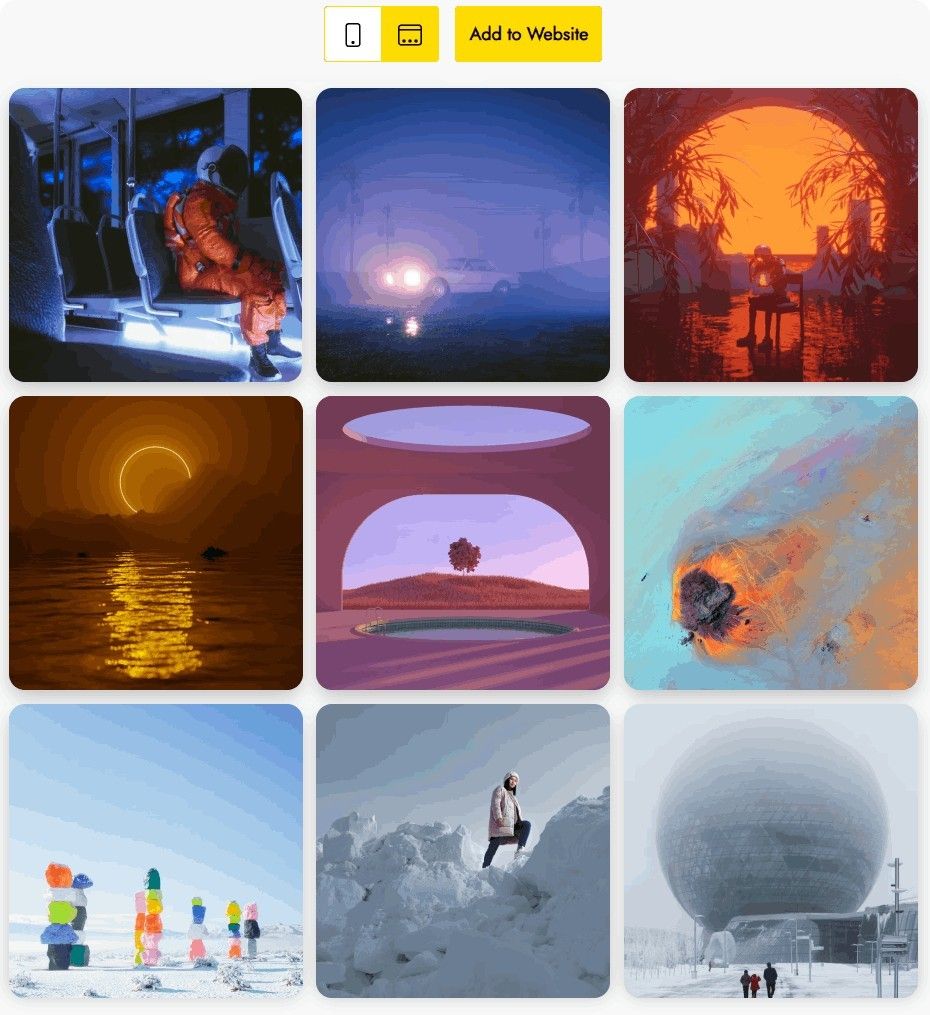
The Mobirise Instagram Feed extension adds a ready block to the app: place it on any page, link your Instagram account and the latest posts appear as a grid or slider, with or without captions.
Buy NowSlider layout: live demo
Gallery layout: live demo
Why use the Mobirise Instagram Feed block
Choose Slider or Gallery, fine-tune the look in a few clicks and publish. Every visitor who likes the photos is one tap away from following you, so your website traffic keeps working for your Instagram audience, much like a strip of short vertical clips does for TikTok.
Not building with Mobirise? Use the embeddable photo gallery for any site.
How to add Instagram Feed to Mobirise
- In the app open Extensions and install the extension with the Import link under the section title.
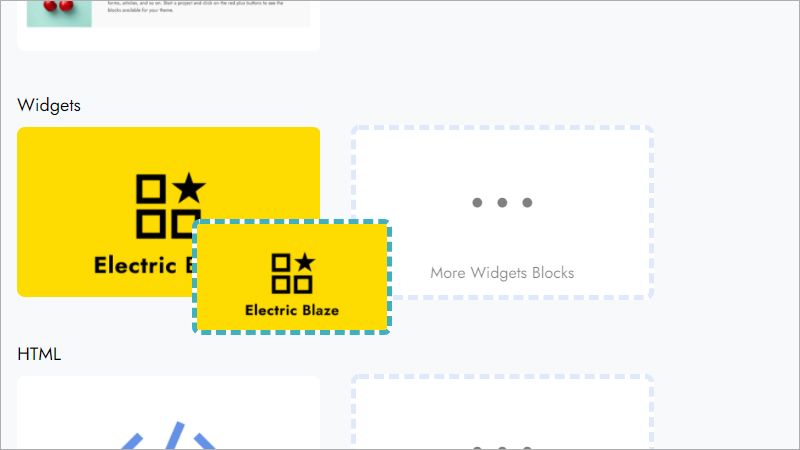
- Open your project and drag the Instagram Feed block from the blocks panel onto the page.
- Click the new block to launch the widget editor.
- Press Add New Widget and choose the feed type.
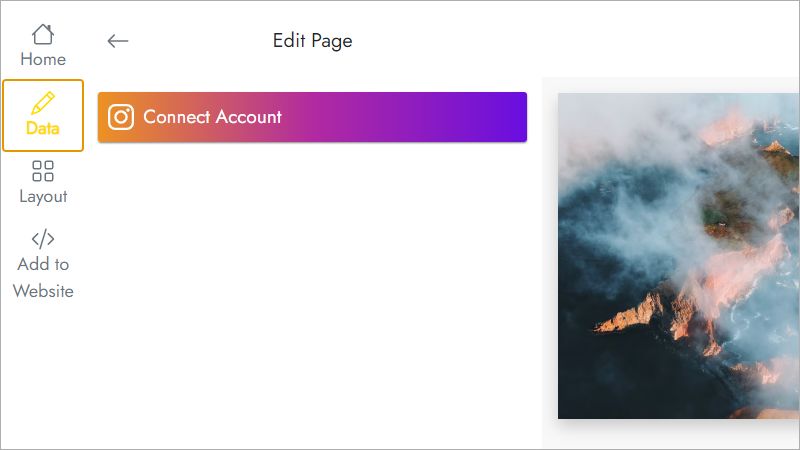
- On the Data tab sign in to Instagram and allow access to your posts.
- Pick Slider or Gallery on the Layout tab and adjust spacing and captions.
- Press Save and Close, then publish the site to see the gallery live.
Instagram Feed extension FAQ
How do I link my account to the block?
Open the block editor, go to Data and press Connect. Instagram asks you to log in and approve access; after that your posts load into the block.
Where do I find the block after installing?
It appears in the blocks panel of the Mobirise app next to your other blocks. Drag it to the place on the page where the gallery should be.
How many galleries can I create?
Up to five widgets in total, shared across all your projects.
Can I reuse one gallery on several pages or projects?
Yes. Save the configured block to User Blocks and insert it wherever you need it, or add a fresh block and pick the existing widget from the Home menu of the editor.
How do I delete a gallery?
In the editor open Data and press Remove at the bottom of the panel. The widget disappears from every project and published site that uses it, and this cannot be undone.
Can I change the gallery without republishing the site?
Yes. Edits to the layout or the connected account are applied to published pages automatically, because the block loads the widget from ElectricBlaze.
Is the Instagram Feed block part of Mobirise Kit?
Yes. A valid Mobirise Kit license includes it at no extra cost for as long as the license is active. You can also buy the extension on its own.
What if my license expires?
You can no longer add or edit the block, and published pages may show a “Your license has expired” notice above it.
Who makes this extension and how do I get help?
It is built by ElectricBlaze, a Mobirise partner. Email [email protected] and mention ElectricBlaze in the message: it will be forwarded to the right team.