
Vimeo Feed Extension for Mobirise
The Mobirise Vimeo Feed extension adds a tidy feed of your newest Vimeo videos to a page in a few clicks. Connect the account, and the block keeps the list current as you upload.
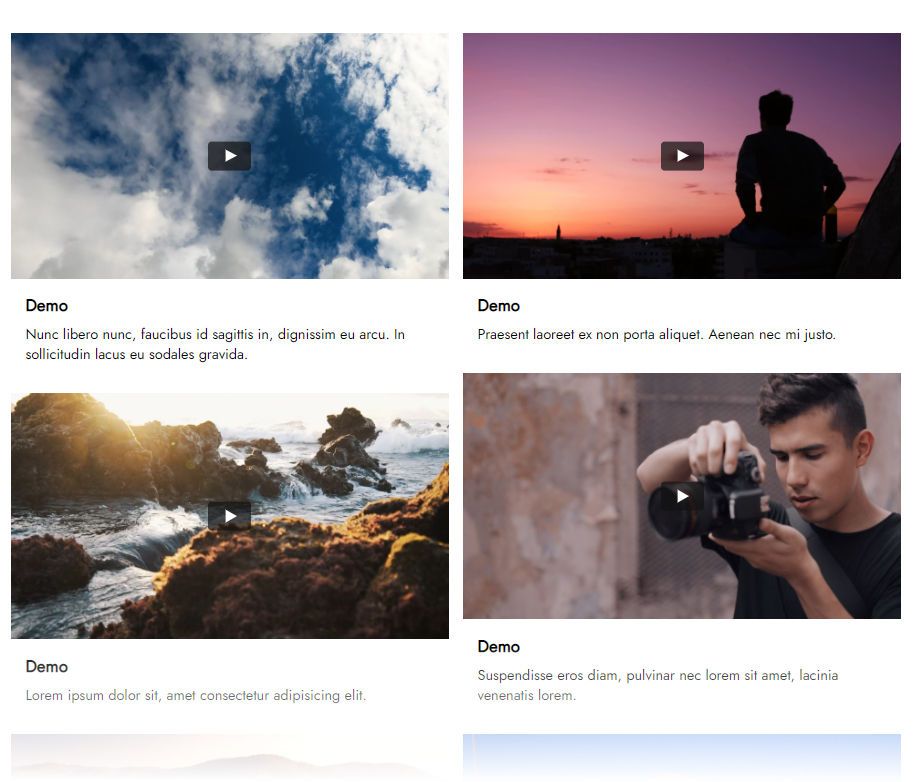
Buy NowGallery layout of recent uploads
Slider layout of recent uploads
Why pick the Mobirise Vimeo Feed block
Pick Slider or Gallery, then adjust details to match your design. Your films and showreels get more viewers, since everyone who opens the site can watch them right there, next to public uploads from YouTube if you publish on both platforms.
Not building with Mobirise? Use the film showcase for other websites.
Connecting Vimeo in Mobirise step by step
- In the Mobirise app choose Menu → Extensions and import Vimeo Feed using the link below the title.
- Open the site and add the Vimeo Feed block from the blocks list.
- Click the block you added to enter the app.
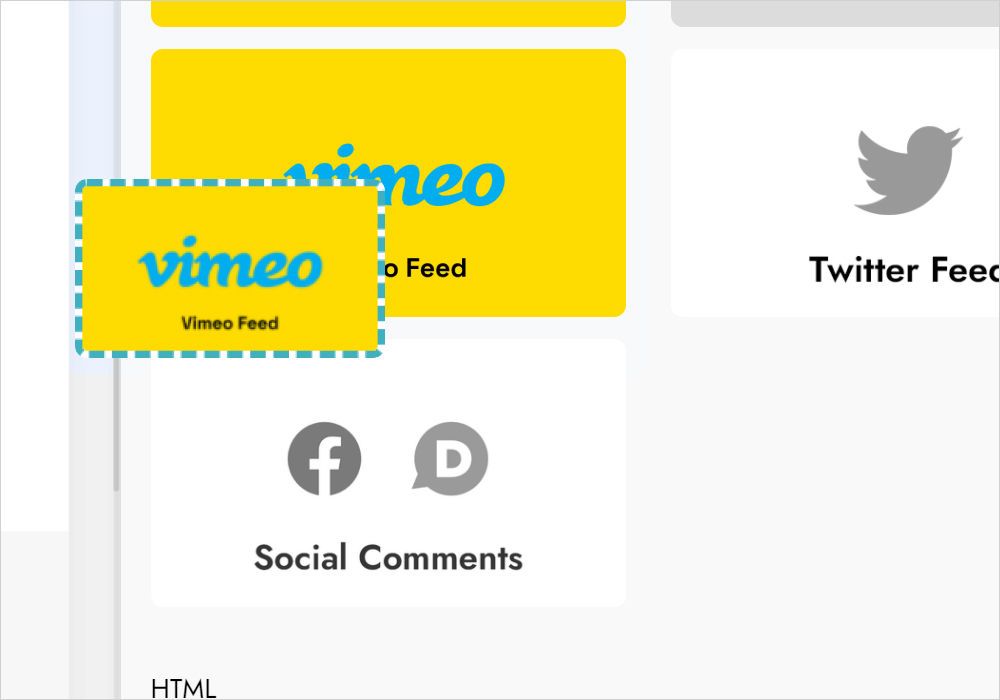
- Press Add New Widget and choose Vimeo Feed.
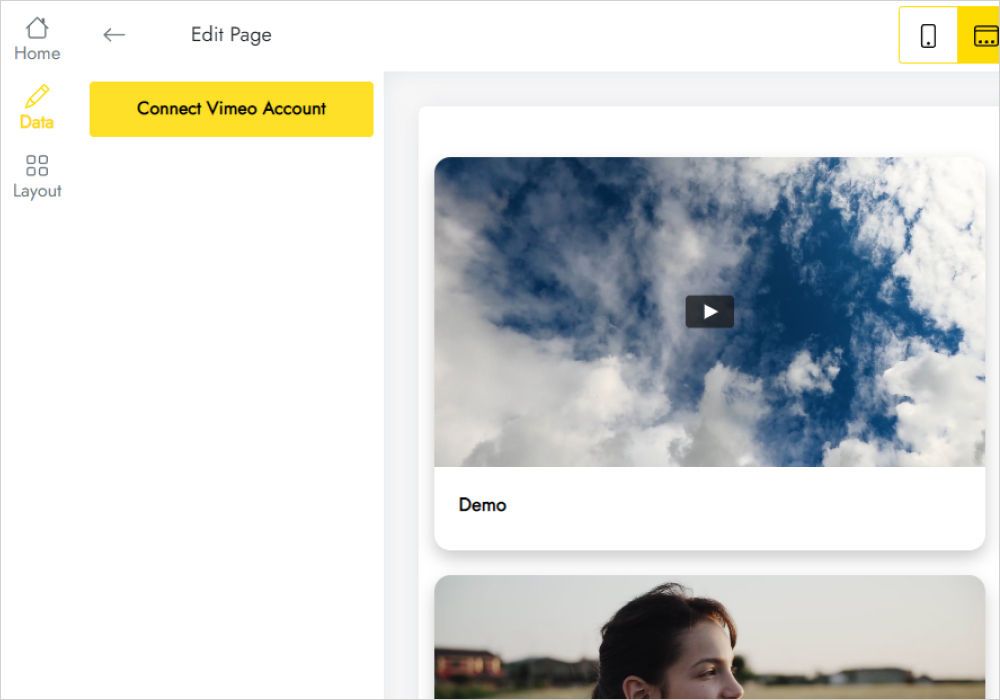
- Open the Data tab, click Connect Vimeo Account and follow the prompts.
- Tune the appearance on the Layout tab.
- Save with Save and Close and publish the updated site.
FAQ
How do I connect my Vimeo account?
Click Connect Vimeo Account on the Data tab and complete the short authorization Vimeo asks for.
How do I add it to my site?
Once the extension is imported through the Extensions menu, add the Mobirise Vimeo Feed block to your page from the blocks list.
How many widgets can I have?
A total of five widgets is available.
How do I show the same films in another project?
Keep the configured block in User Blocks and add it to that project. You can also place a new block and select the widget you already have under Home in the editor.
How do I delete the widget?
Choose Data in the editor and click Remove at the very bottom. The widget is gone from every project and live website, and it cannot be restored.
Do I have to re-export the site after edits?
No. Swap the layout or reconnect the account, and the published page shows the result without editing the site.
Who built this extension?
ElectricBlaze creates it as a Mobirise partner.
Where do I send questions?
To [email protected]. Mention ElectricBlaze in the email and the message is sent on to our support staff.
Does Mobirise Kit cover Vimeo Feed?
Yes, there is no extra fee while your Kit license is valid. If you do not use the Kit, buy the extension separately.
And once the license expires?
The block can’t be added or edited anymore, and a “Your license has expired” alert may be shown on top of it on published sites.