
Setting Up a Duda Instagram Feed
A Duda Instagram feed turns your newest posts into a gallery that refreshes itself. The walkthrough below relies on ElectricBlaze and concentrates on the choices that matter inside a responsive, device-by-device editor.
Prerequisites
- An Instagram profile running as a Business or Creator account; Meta blocks personal accounts from third-party galleries.
- An editor login that is allowed to place widgets on pages.
- An ElectricBlaze account, which you can open at zero cost.
Agencies often juggle dozens of client projects on this platform. Each client usually expects their own profile, so build a separate widget per Instagram handle instead of sharing one between brands.
Step 1: Connect Instagram and choose a layout
Each setting is illustrated in the Instagram layout walkthrough; here is the condensed path.
-

Go to a.electricblaze.com. Existing users log straight in; everyone else registers first.
-

Tap Create New Widget and choose the Instagram entry.
-
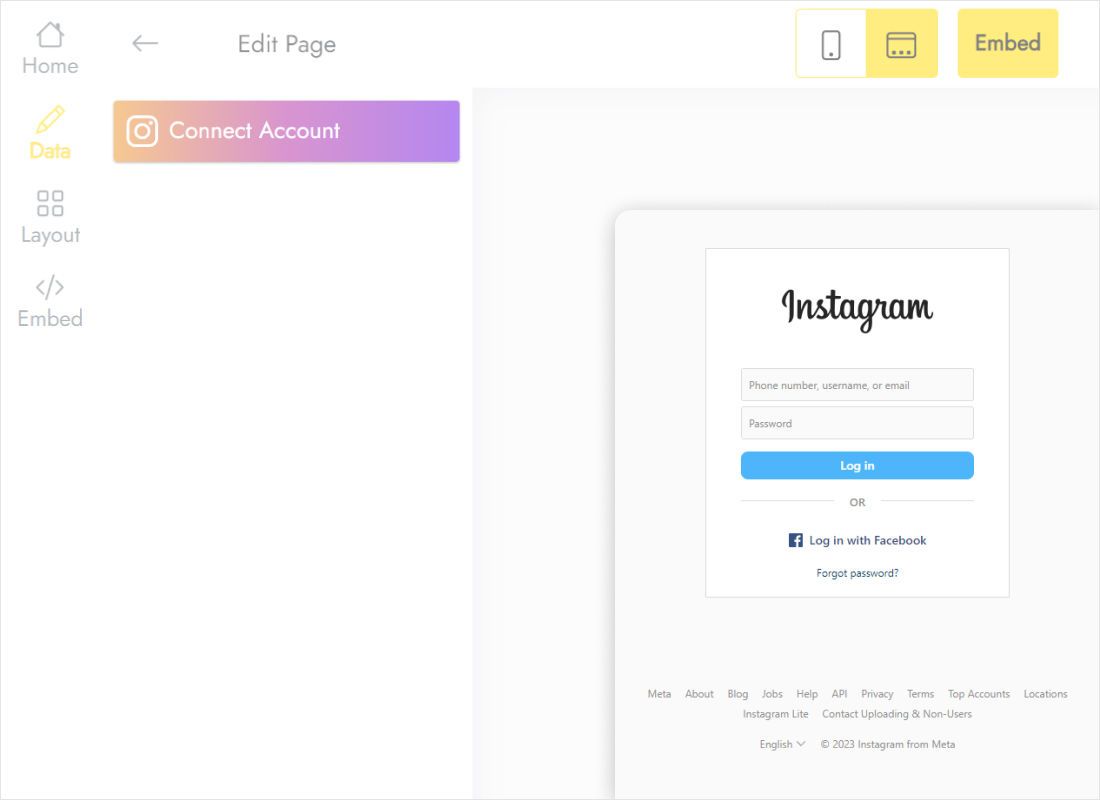
The Data tab has a Connect Account button; use it and approve the request from Instagram.
-
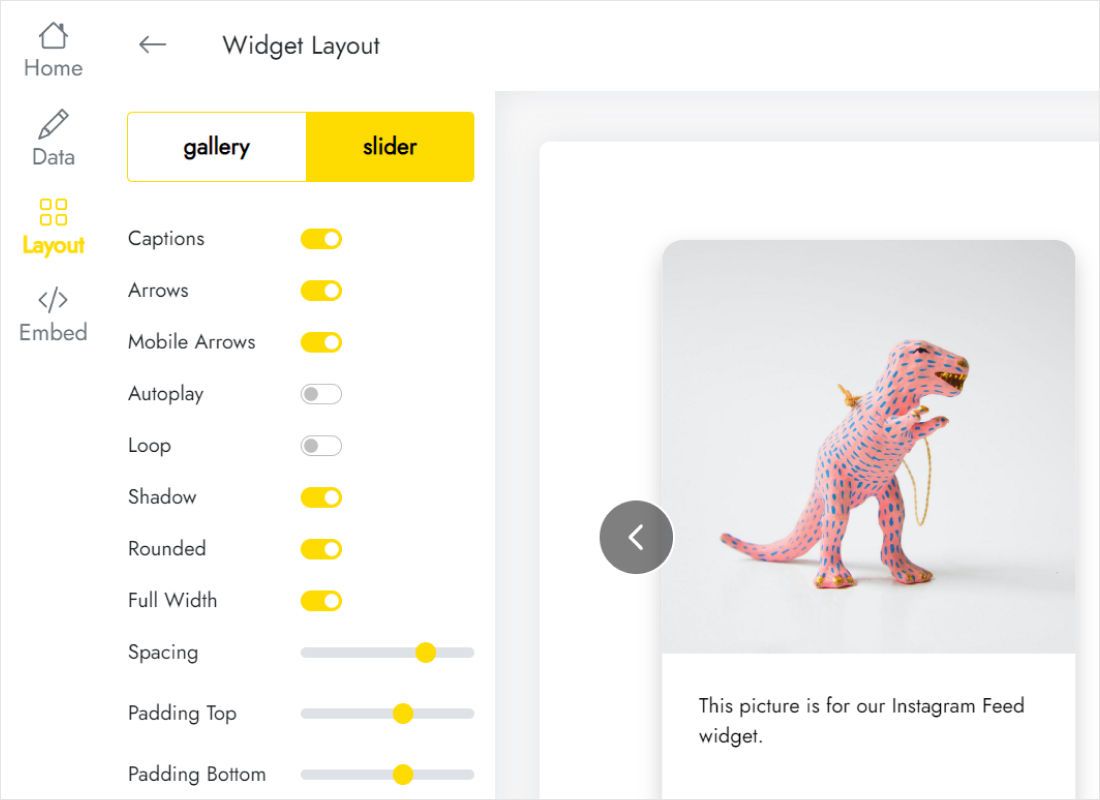
The Layout tab controls grid versus slider, how many columns and rows appear, captions and gaps.
-
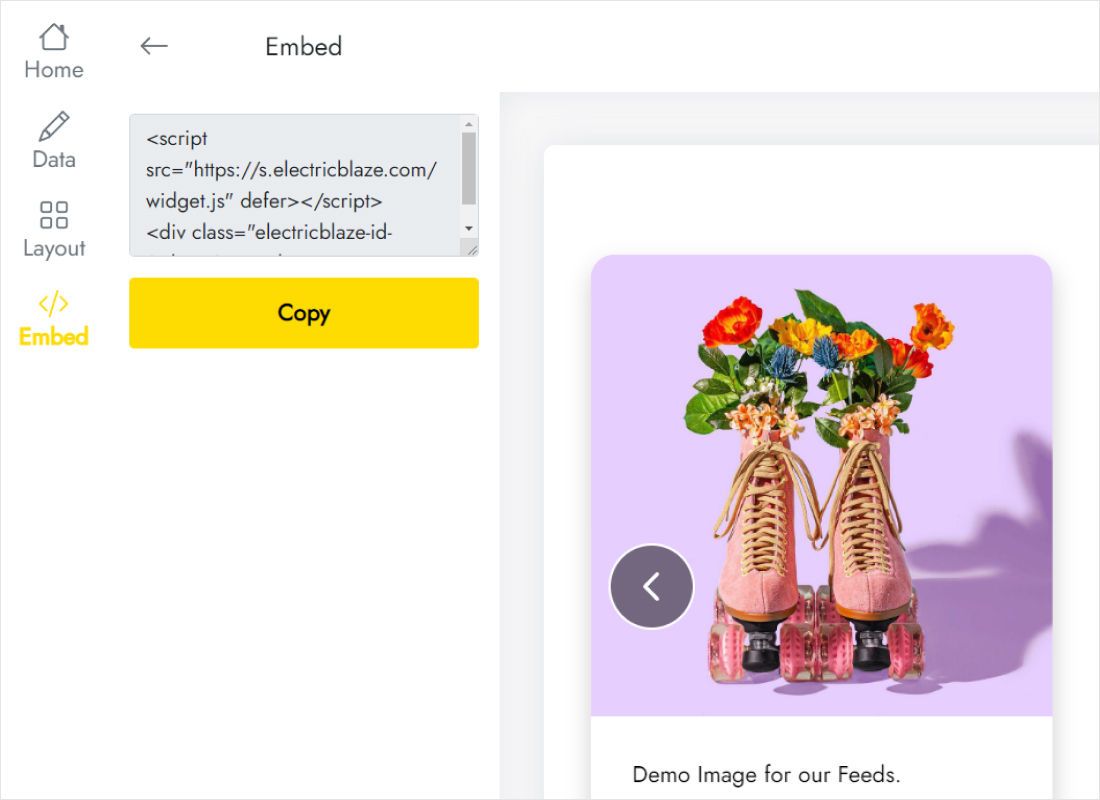
Up in the top bar, Add to website hands you the snippet to copy.
Step 2: Paste the code into your Duda page
Return to the site editor for the second half.
- Click the plus-shaped Widgets icon and type HTML into the widget search.
- Hold and pull that tile onto the row reserved for your photos.
- Swap the sample text for your snippet in the HTML Content box, choose Update and open Preview.
- Republish once the pictures look right on all three device sizes.
Widgets can be hidden per device here, so glance at the tablet and phone layouts before republishing.
Sizing the gallery in responsive views
Columns stack on phones, which means a gallery sharing a row with text on desktop suddenly spans the whole mobile screen. Pick the layout for the narrowest spot it will occupy: sliders cope with slim columns, whereas grids want a full row.
- Homepage strip. One sliding line of photos beneath the hero image keeps scrolling short.
- Portfolio page. Three or four columns with captions turned off resemble a curated exhibition.
- Spacing. Align the photo gap with the padding your sections already use.
- Full width. Enable it whenever the widget lives in an edge-to-edge strip.
Newly published pictures land on your site at the next sync, daily on Free and hourly on Start, without any republish.
Instagram on Duda: common questions
Does a Duda Instagram feed need a paid ElectricBlaze plan?
No. The free tier handles a thousand monthly views across as many websites as you like. Upgrading to Start ($5 per month, invoiced annually) removes that ceiling and syncs hourly.
The HTML widget is blank in the editor. Is the code wrong?
Usually not. Open Preview; scripts that fetch outside content often wait until the page is previewed or live.
Can an agency place one gallery on many client sites?
Technically yes, since the snippet is not tied to one domain, and setup notes for other builders cover client sites elsewhere. On Free, though, every site feeds the same monthly view counter.
Why did the gallery stop showing new posts?
A changed Instagram password or a switch back to a personal account can break the link. Reconnect on the Data tab.
Further Duda reading
Sister tutorials for this builder and the in-depth Instagram description:
Start your Instagram gallery
Link your profile at no cost, then drop the snippet into an HTML block on Duda.
Create a widget