
How to Add Instagram Feed to Squarespace Pages
Here is how to add Instagram feed to Squarespace as a styled gallery or a swipeable strip, place it with a Code block and keep the photos current without logging into the site every week.
Before you start
- An Instagram professional profile (Creator or Business). Personal profiles cannot grant access to outside apps.
- A Squarespace site on Core, Plus or Advanced. Lower tiers remove JavaScript from Code blocks.
- An ElectricBlaze login (the Free plan covers a small portfolio).
Wondering how to add Instagram to Squarespace without code? The platform has its own Instagram block, and for a simple thumbnail grid it is fine. Choose the widget when you want a slider, captions under each photo, precise column and row counts, or the identical gallery on a second website.
Step 1: Set up the Instagram widget
Deeper explanations of each setting sit in our gallery feature walkthrough. For a Squarespace page the routine is:
-

Keep the Squarespace editor in one tab and log in to a.electricblaze.com in another; registration costs nothing.
-

From the dashboard start a Create New Widget flow and tap the Instagram tile.
-
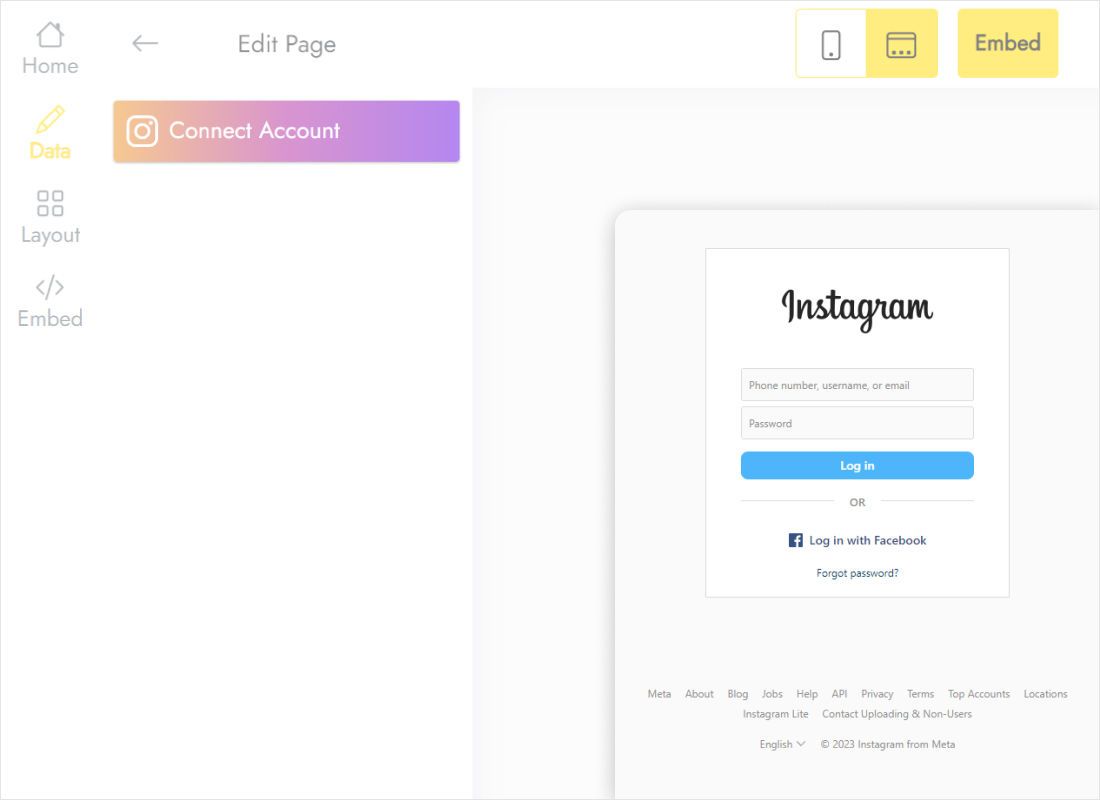
The Data tab holds the Connect Account button. Approve the permission screen with the profile that owns the posts you plan to show.
-
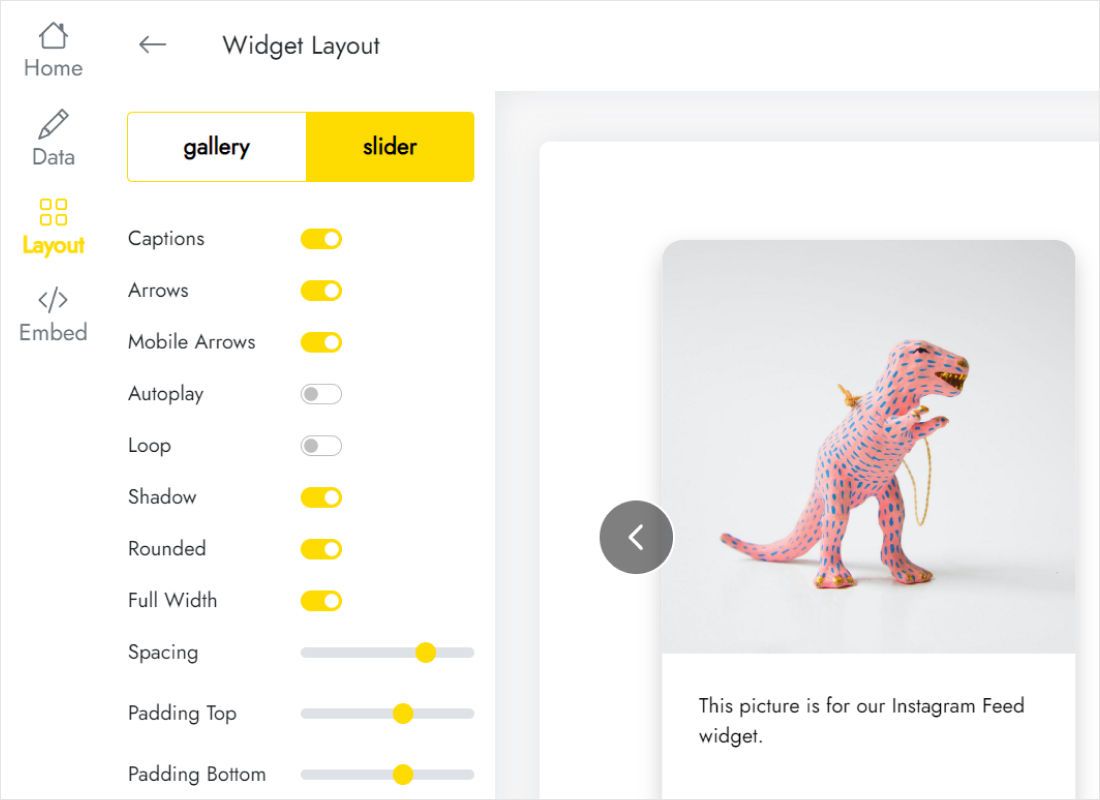
Layout decides the look on your template: grid versus slider, how many columns and rows, whether captions appear, gaps and background.
-
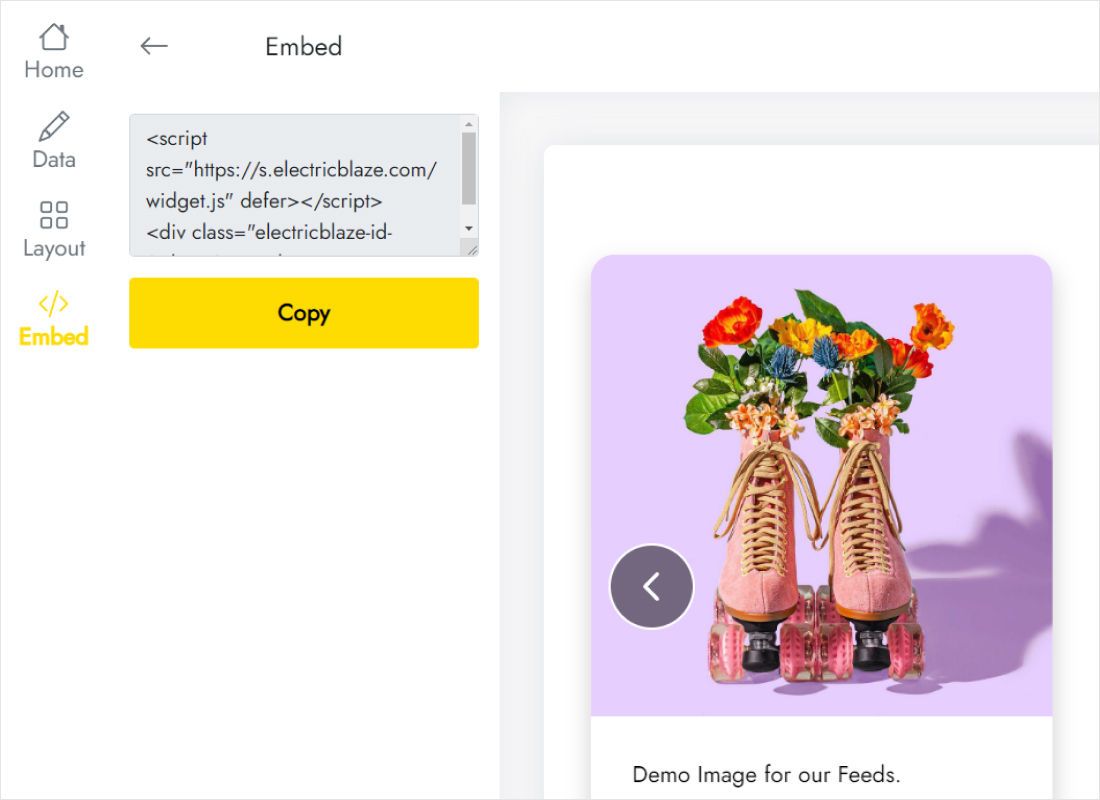
When the preview matches your site, the Add to website button in the top bar reveals the snippet. Copy all of it.
Step 2: Embed Instagram feed Squarespace sections
Back in the Squarespace editor, drop the snippet into a Code block:
- Open the target page, for example Home or Portfolio, and click Edit.
- Choose Add Section → Add blank section where the photos should appear.
- Click Add Block, select Code and paste the snippet. Leave Display Source off.
- Drag the block handles so it spans the grid columns you want, then save.
- Publish and open the page in a private window, where scripts run for visitors.
Logged-in editors see an empty Code block because Squarespace pauses custom scripts during editing. Visitors see the photos.
Sizing the gallery for desktop and phones
Fluid Engine keeps the desktop and mobile arrangements apart. After placing the block, click the mobile view icon in the editor and check that it is not squeezed into a half-width cell: on a narrow screen four columns become tiny thumbnails.
- Hero-style strip. Choose slider mode with one row. It sits neatly under a banner and visitors swipe through posts on touch screens, as they do with vertical TikTok clips.
- Portfolio grid. Three columns and two or three rows, with Full Width on, fill a wide section without endless scrolling.
- Sidebar-like column. Two columns and captions off keep a narrow block tidy.
Fresh photos load on the widget schedule, which is daily for Free users and hourly for Start subscribers. You never republish Squarespace for a new photo.
Keeping the native Instagram block elsewhere on the same site is fine; the two do not interfere. Some owners leave a small thumbnail strip in the footer and give the widget a dedicated Gallery page, where captions and a larger grid make more sense.
Instagram on Squarespace: questions
Squarespace Instagram feed not updating: what should I check?
With the built-in block, reconnect the account under Connected Accounts or use Reset Data; tokens expire after password or account changes. With our widget, open the Data tab and reconnect, then wait for the next scheduled refresh.
Can a personal Instagram profile be shown?
No. Instagram shares posts with outside apps only from Creator or Business profiles. Switching is free inside the Instagram app.
Will the gallery work on Squarespace Basic?
The block saves, but JavaScript is not executed on that tier, so the photos never load. Core is the minimum.
Can I show two different Instagram accounts?
Yes. Create a second widget, connect the other profile and paste its code into its own Code block.
Keep going
The general Squarespace embedding guide, the widget overview and other sources you can place on the same site:
Put your latest posts on Squarespace
Connect the profile, choose a layout and paste the code. The Free plan covers a small site.
Create a widget