
Steps to Add Twitter Feed to Webflow
Recent posts from X (Twitter) act as live proof that a startup or media brand is active. Follow along to add Twitter feed to Webflow through ElectricBlaze, then size a text-heavy stream so it sits comfortably in the Designer layout.
Prerequisites
- The handle of the X (Twitter) account to display, without the @ sign.
- ElectricBlaze access (Free tier works).
- Custom code rights on the project through an active Site plan or a Core, Growth, Agency or Freelancer Workspace.
Webflow's own Twitter element in the Add panel creates a follow or share button and nothing else. It never lists tweets, hence the embedded widget from the ElectricBlaze collection.
Set up the X (Twitter) widget
Details sit in the live tweet stream overview. Setup:
-

Point the browser to a.electricblaze.com and log in; a new login takes a moment.
-

Create New Widget, then the X (Twitter) Feed card.
-
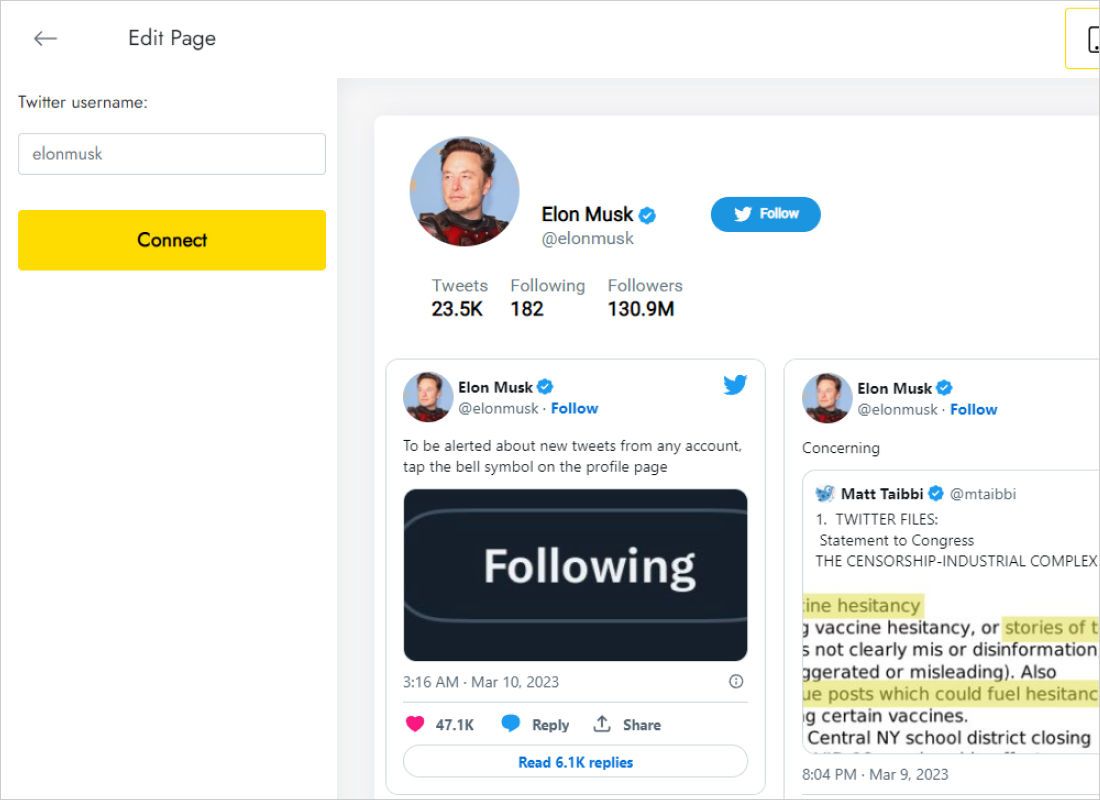
On Data, enter the handle into Twitter username and hit Connect.
-
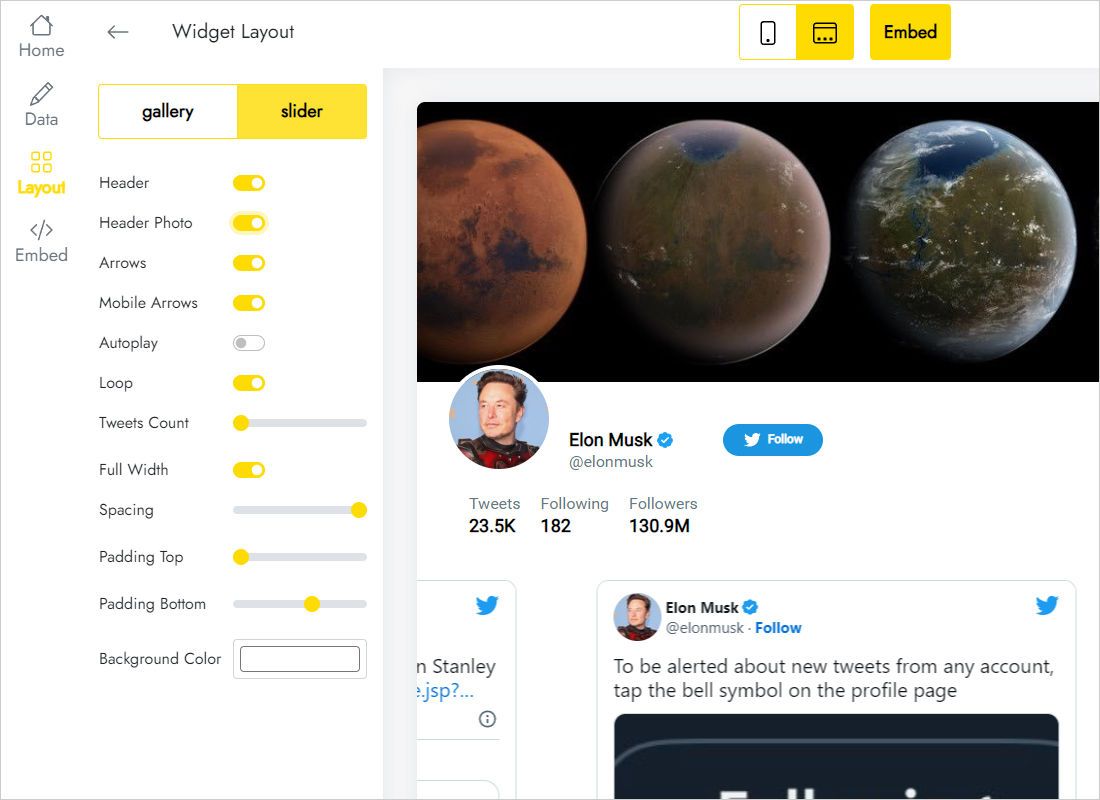
On Layout, compare gallery and slider, then tune columns, rows and gaps.
-
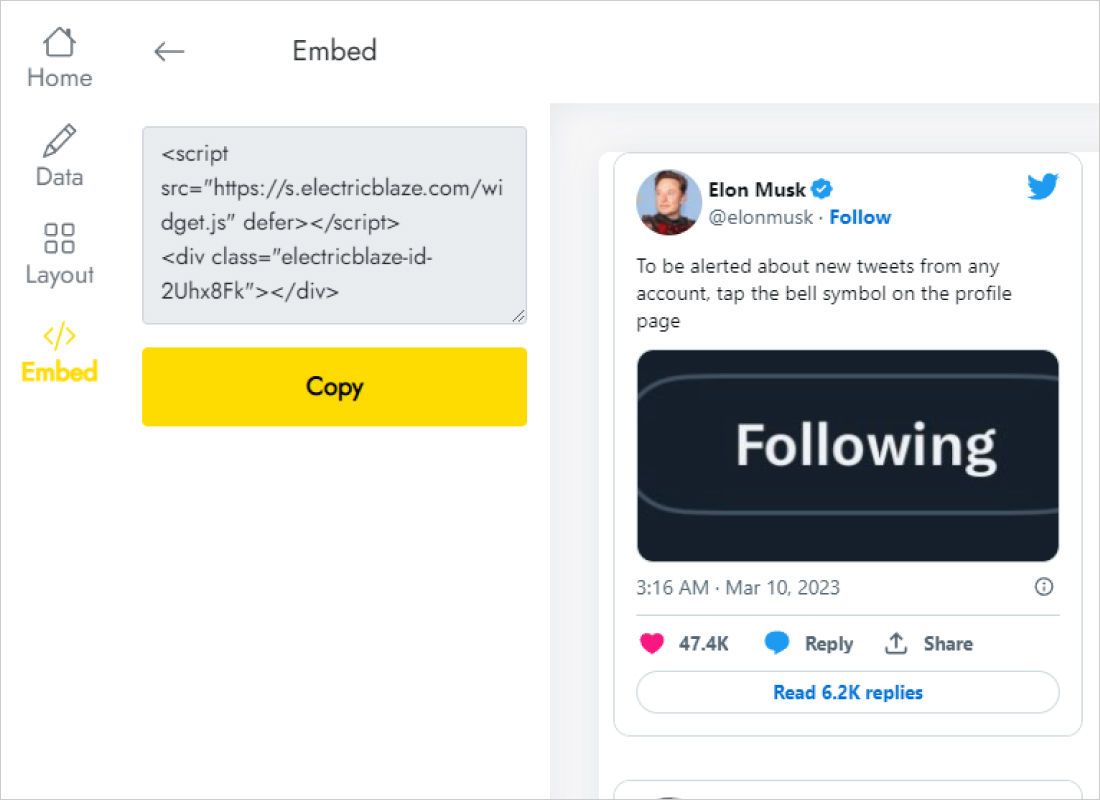
The Add to website button hands over the embed code.
Drop the feed into the Designer
Go to the page where posts belong.
- Create a div dedicated to the stream, or select one.
- Pull Code Embed out of the Advanced group of the Add panel into it.
- Insert the snippet; Save & Close.
- Width 100% in Style; in a grid parent, span as many columns as the stream needs.
- Publish and check the posts in a browser tab.
Scripts never execute on the canvas, so a placeholder is all you get there. Preview or the published page shows the real thing.
Sizing a stream of text posts
Tweets differ in length and many carry no image, so neighbouring cards end up uneven. A few choices keep things tidy:
- Narrow sidebar. One column, two or three rows fits a blog sidebar. In flex layouts add a min-width near 300px so lines do not break after every word.
- Wide section. A slider lines several posts up horizontally without adding height.
- Breakpoints. Desktop styles cascade. Review Mobile Landscape and Portrait individually and adjust padding on the parent so cards keep breathing room.
Refresh timing: every 24 hours on Free, hourly on Start, which suits accounts that post several times a day.
X (Twitter) on Webflow: FAQ
Which account does the stream show?
Whichever handle was connected in the Data tab. Publish only content you are entitled to display.
It works on webflow.io but not on my domain. Why?
Both domains must be ticked when publishing; a push to staging alone leaves production unchanged.
Does the stream update after I post?
Yes, at the next widget refresh. The site needs no republish.
See also
Guides for other widgets on this builder and the X (Twitter) widget description:
Create an X (Twitter) feed
Type a handle, grab the code, place it in a Code Embed. Trial is free.
Create a widget