
How to Add a Pinterest Board to Google Sites
Mood boards, lesson resources and product ideas are easy to collect on Pinterest and tedious to rebuild by hand. Here is how to add Pinterest board to Google Sites so its pins appear as a live gallery on your page.
Before you connect a board
- A Pinterest account and the board you want to feature.
- Editor rights on the site.
- A free ElectricBlaze account.
Pins come in mixed heights, from square product shots to tall infographics. Plan for that on a Sites page, because the embed frame keeps whatever height you give it.
Step 1: Turn the board into a widget
Browse examples of pin walls and sliders for layout ideas. Setup takes five moves:
-

Go to a.electricblaze.com and sign in, or sign up free.
-

Choose to make a new widget and click Pinterest Feed.
-
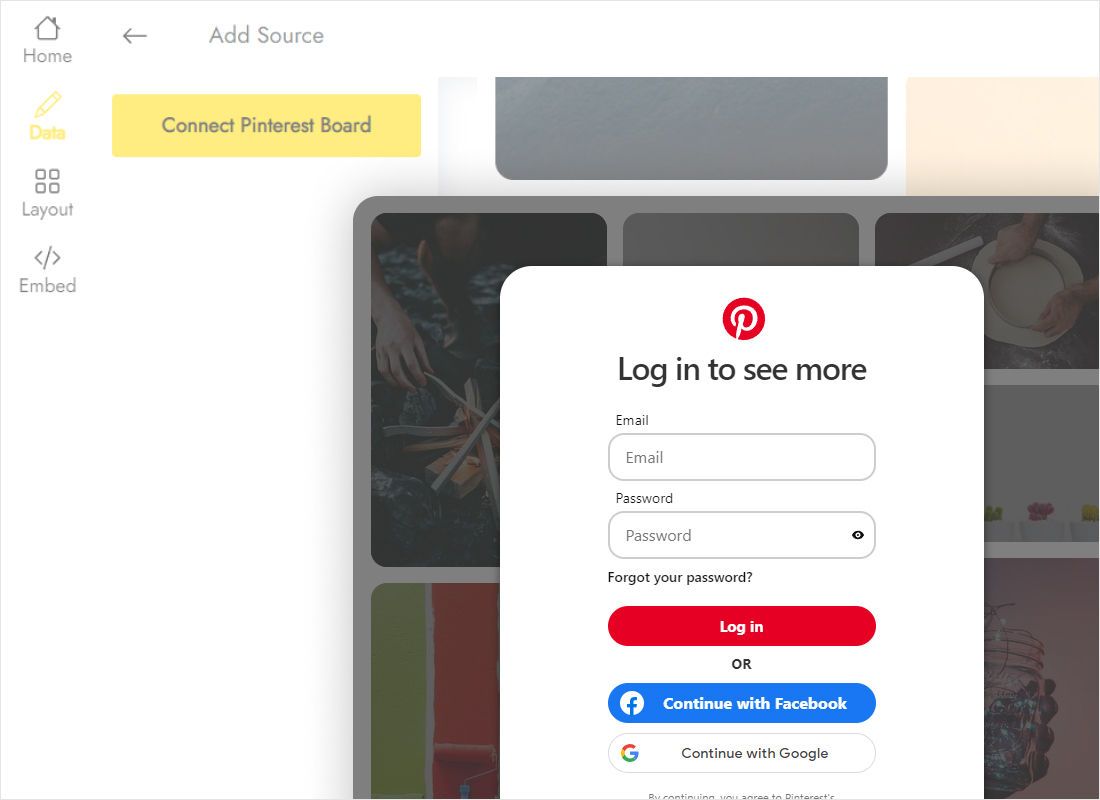
On Data, use Connect Pinterest Board, authorize your account and select the board.
-
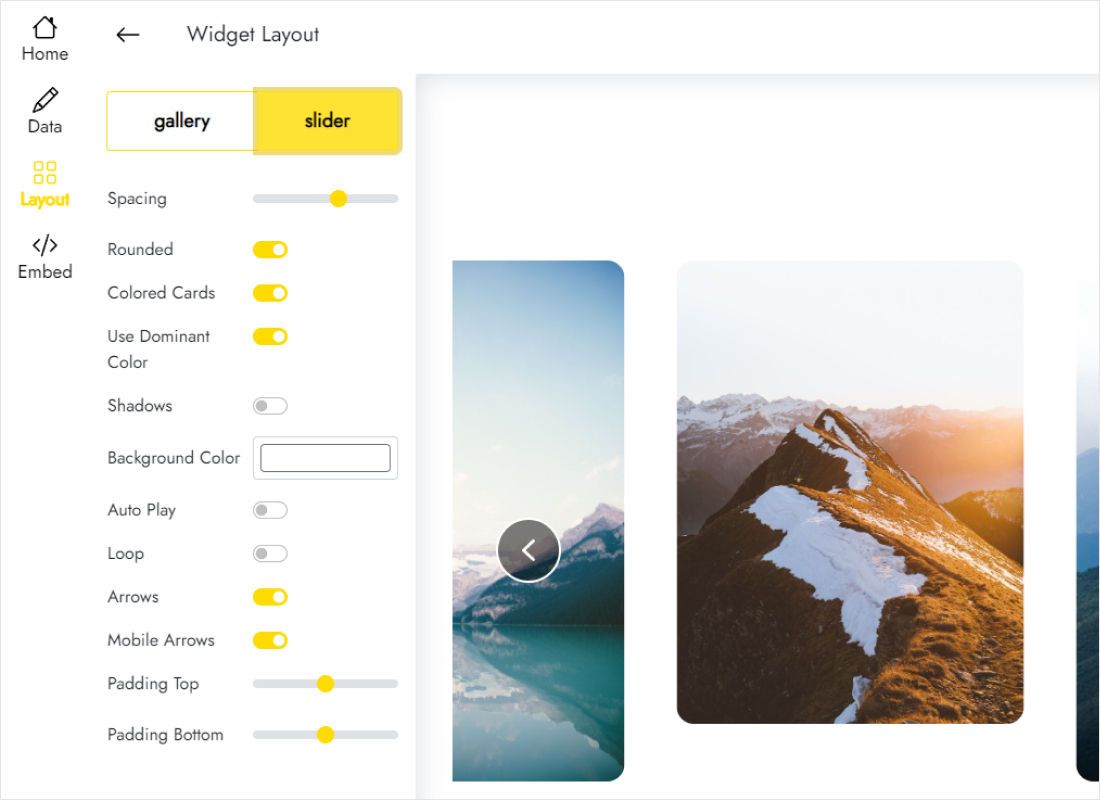
Under Layout, try a gallery with more columns: tall pins look calmer in narrow tiles. Adjust rows and spacing.
-
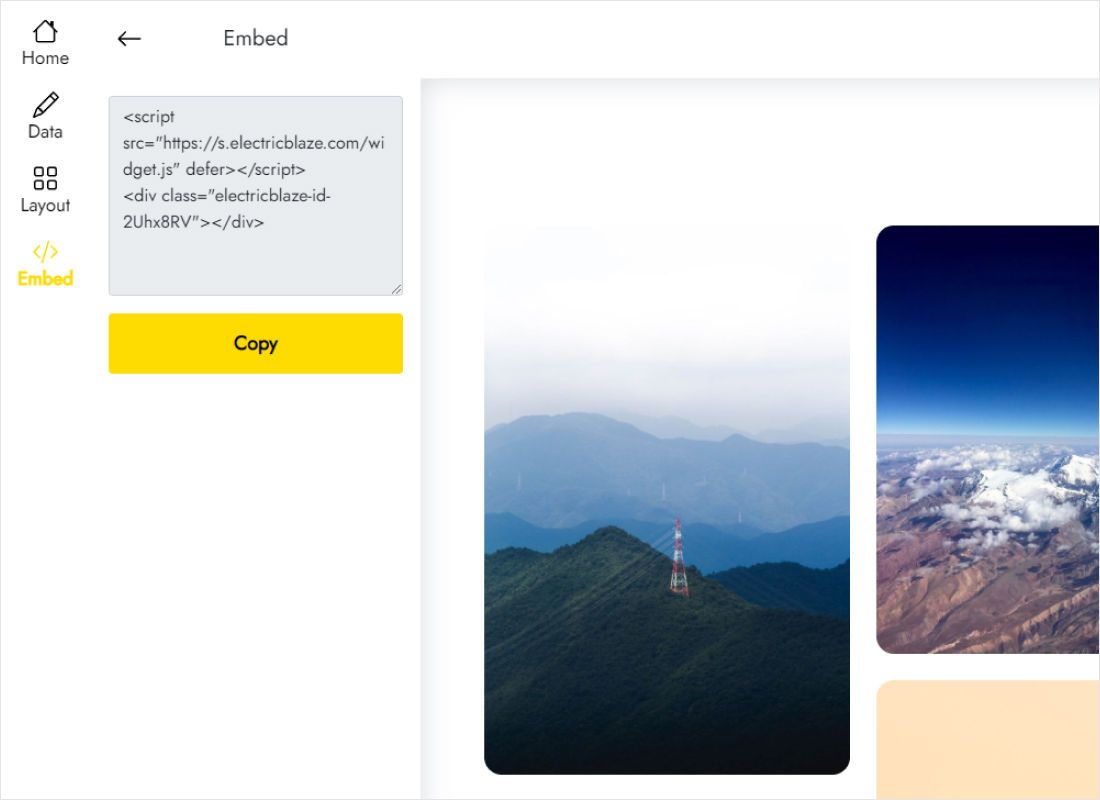
Hit Add to website and copy the snippet.
Step 2: Insert the pin gallery on your page
Open the editor on the page that should display the board.
- In edit mode, select the destination page, for instance Resources or Inspiration.
- From the right-hand panel pick Embed, then the Embed code tab.
- Drop in the snippet, go Next, let the pins load in the preview and click Insert.
- Extend the box sideways across the section and downward until the tallest pins in the bottom row are complete.
- Hit Publish, then reload the public page to see the board.
Pins saved to the board later show up automatically. You only return to the editor to resize the frame.
Pinterest layout choices on a Sites page
Because pin heights vary, the lower edge of a grid is uneven. Leave some spare room under the last row, or use the slider so pins sit in one horizontal strip.
- Classroom resources. A slider under a short intro lets students browse without a long scroll.
- Portfolio or shop ideas. Four columns in a full-width section, captions off, for a clean wall of images, much like an Instagram photo wall.
- Mobile check. Fewer columns fit per row on small screens, so the grid grows taller; confirm on a phone after publishing.
Several boards? Build one widget per board and give each its own embed.
Pinterest pins in Sites: FAQ
Can I show my whole Pinterest profile instead of one board?
The widget connects a single board. To show several collections, create a widget for each one.
Does this builder have a native Pinterest option?
No. The Insert panel covers Google products such as YouTube, Calendar, Maps and Drive files. Pinterest content comes in through Embed.
How often do new pins appear?
Every 24 hours on the Free plan and hourly on Start.
Is it free to show a board this way?
Yes, within the Free plan limits: 5 widgets and 1,000 views per month across unlimited sites.
Other guides for Sites builders
Try another feed on the same builder, read the Pinterest widget details or return to the embed basics:
Put your board online
Connect Pinterest at no cost and have the pin gallery on your page in minutes.
Create a widget