
How to Add a Twitch Stream to Google Sites
Streamers, esports clubs and gaming classes can show recent broadcasts right on their website. Here is how to add Twitch stream to Google Sites with a channel widget, and how to keep widescreen thumbnails in proportion inside the embed box.
What you need, and why not the Twitch player code
- Your Twitch channel URL.
- Edit rights to the site.
- A free ElectricBlaze account.
Twitch’s own player embed requires a parent parameter naming the domain that hosts the player. In this builder, pasted code runs on a Google content domain rather than your site address, which makes that setup awkward. The Insert panel offers a YouTube item, but nothing for Twitch.
The ElectricBlaze feed needs only the channel link and lists your recent streams and clips as a slider or gallery.
Step 1: Build the Twitch widget
Details live in the stream and clip widget overview. The steps:
-

Go to a.electricblaze.com; log in or make a free account.
-

Choose Twitch Feed as the widget type.
-
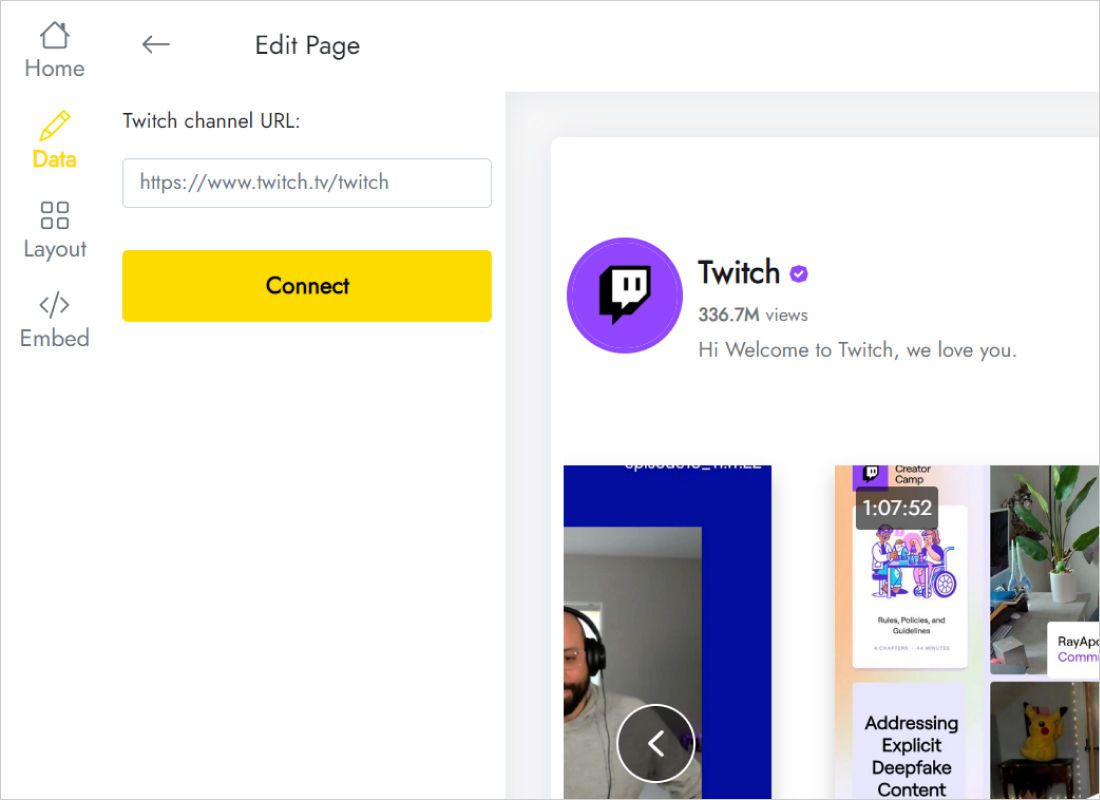
Enter the address in Twitch channel URL on the Data tab and click Connect.
-
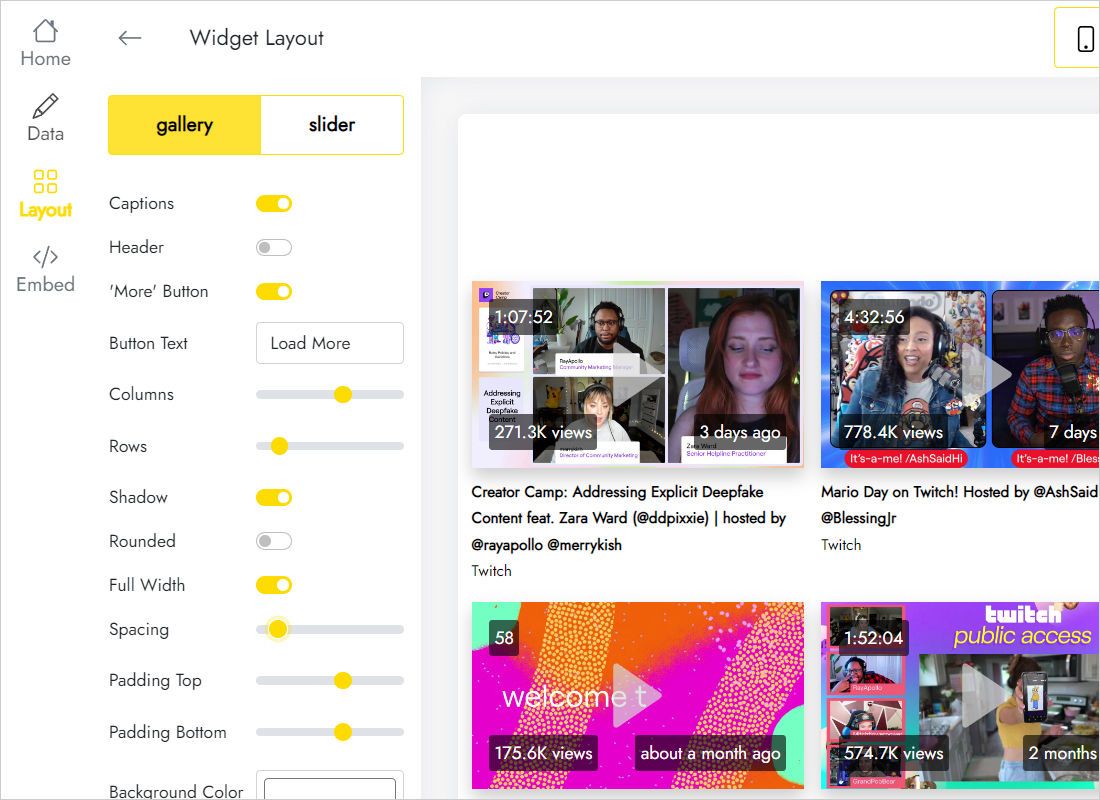
Pick slider or gallery on Layout, then columns, rows and background.
-
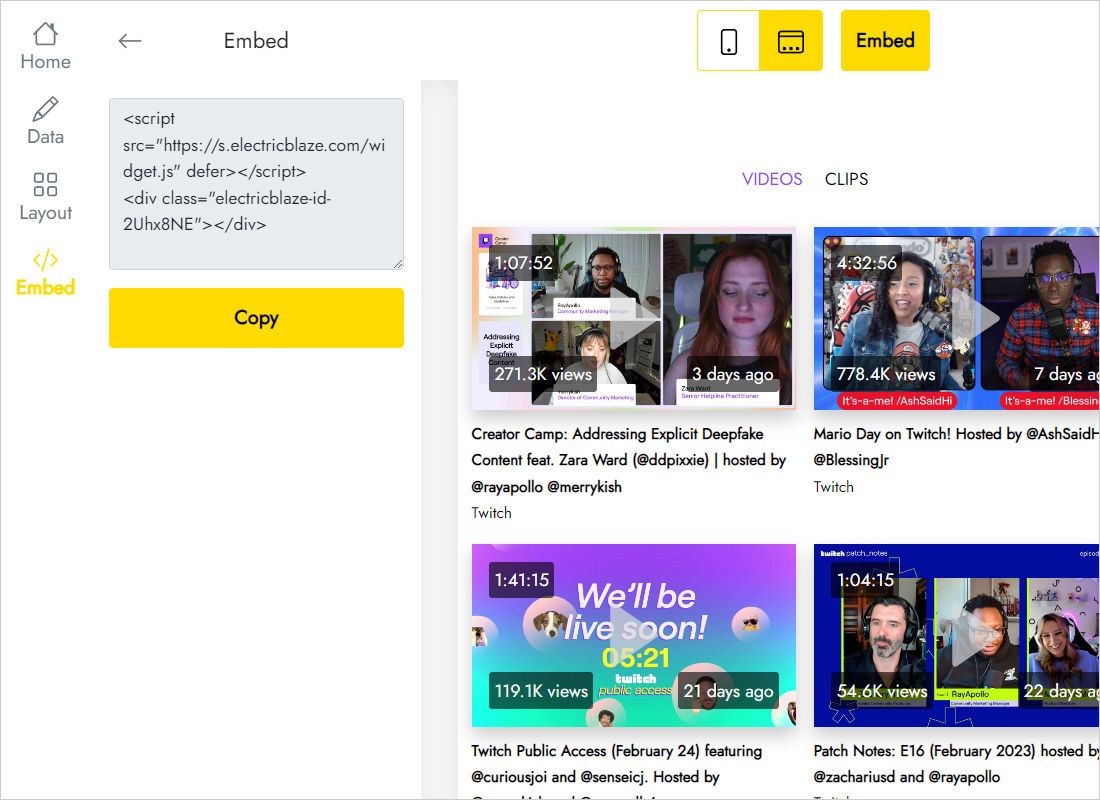
Press Add to website and copy the snippet.
Step 2: Insert the stream feed
Open the target page in edit mode.
- Select a page such as Streams, Team or Home.
- In Insert, choose Embed and switch to Embed code.
- Paste, click Next, let the broadcast thumbnails load, then Insert.
- Size the frame: full section width, and a height matched to the widescreen rows.
- Publish and open a stream from the live page.
When the channel is offline, the feed still shows past broadcasts and clips, so the box never sits empty.
Widescreen sizing for broadcast thumbnails
Broadcasts are 16:9, so thumbnail rows are short compared with their width. A slider of three or four broadcasts fits under an intro paragraph without taking over the page, while a gallery of highlights deserves a page of its own, perhaps next to your YouTube highlight uploads.
- Team site. Slider next to match results or a schedule.
- Streamer homepage. Full-width gallery of recent broadcasts with Full Width switched on in the widget.
- Phones. Fewer thumbnails fit per row on small screens; add height if the frame starts scrolling.
Newly finished broadcasts join the block after a daily check on Free or an hourly one on Start.
Twitch on Sites: FAQ
Why does the official Twitch embed show an error on my page?
The Twitch player checks the parent domain. Pasted code runs on a separate Google domain here, so the domain you list may not match.
Can I include clips as well as past broadcasts?
Yes. The feed combines recent streams and clips from the connected channel.
Will a school network allow it?
If Twitch is blocked on that network, the thumbnails will be blocked as well.
What does it cost?
Free gives five widgets and a thousand monthly views. Start, $5 monthly on an annual plan, adds unlimited views, hourly updates and removes branding.
Related instructions
Other feeds for this builder, the Twitch widget overview and the general embed steps:
Bring your channel to your site
Paste your channel link, copy the code and embed it. Free to start.
Create a widget