
How to Add Vimeo Videos to Google Sites
Showreels, recorded lectures and wedding films often live on Vimeo. This walkthrough lets you add Vimeo videos to Google Sites as one gallery that expands whenever you upload, rather than pasting a separate player for every clip.
Before you begin
- An account on Vimeo holding the films you want visitors to watch.
- Editor rights on the site.
- An ElectricBlaze account, free to create.
The Insert panel includes an item for YouTube yet nothing comparable for this platform. A lone clip could go in through its own player snippet and an Embed frame; for a library that keeps growing, a widget saves repeating that routine.
Step 1: Connect your account and style the gallery
The film gallery overview tells more about the widget. Five steps:
-

Point your browser at a.electricblaze.com and enter the dashboard.
-

Pick Vimeo Feed when the type list appears for a new widget.
-
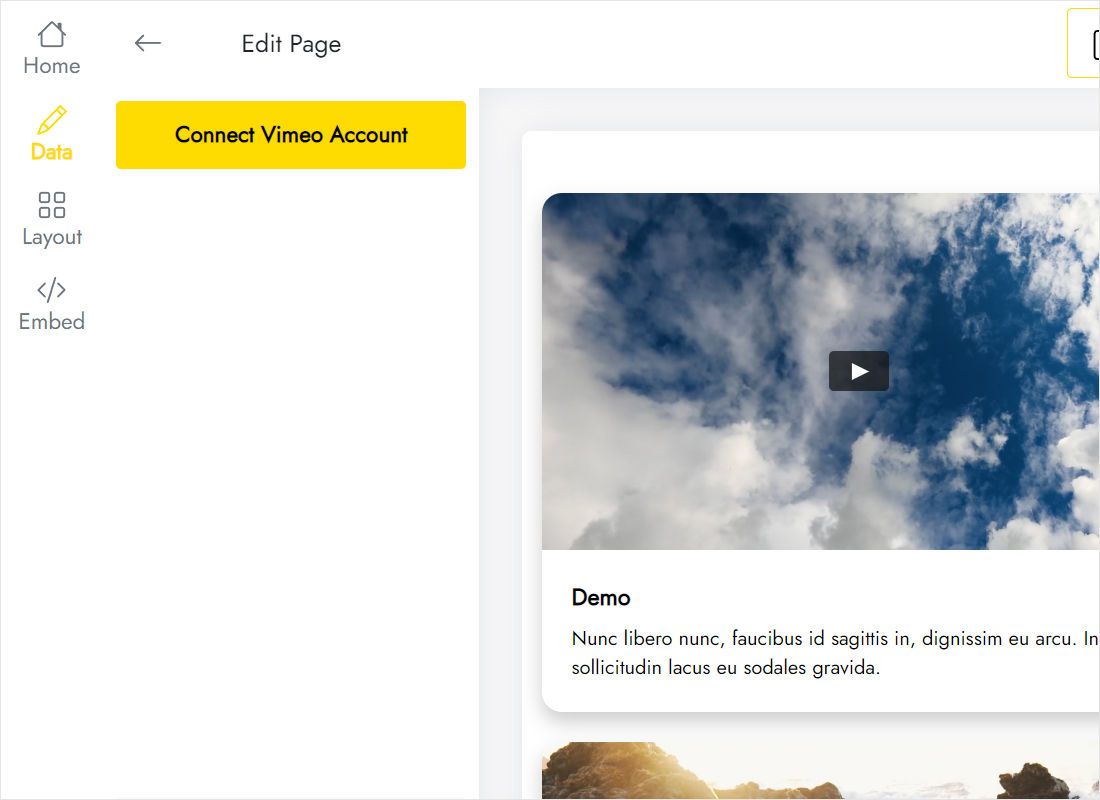
Data: hit Connect Vimeo Account and authorise it.
-
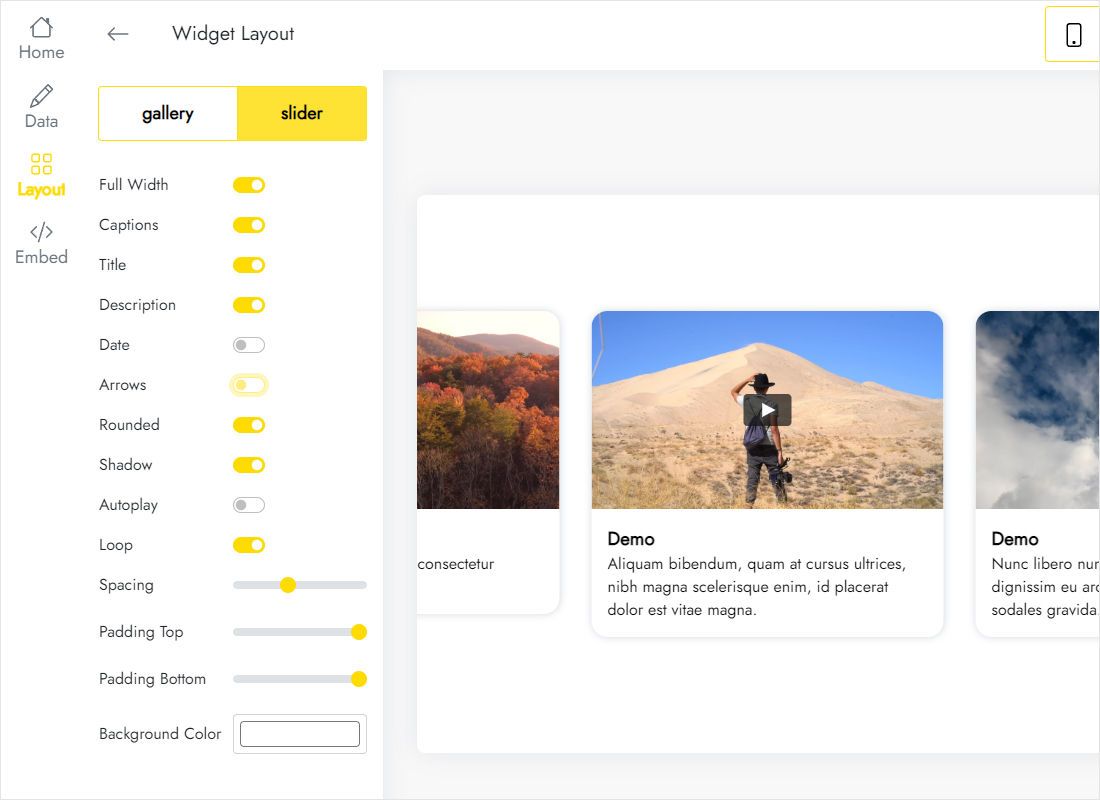
Layout: gallery or slider, column and row counts, gaps between thumbnails.
-
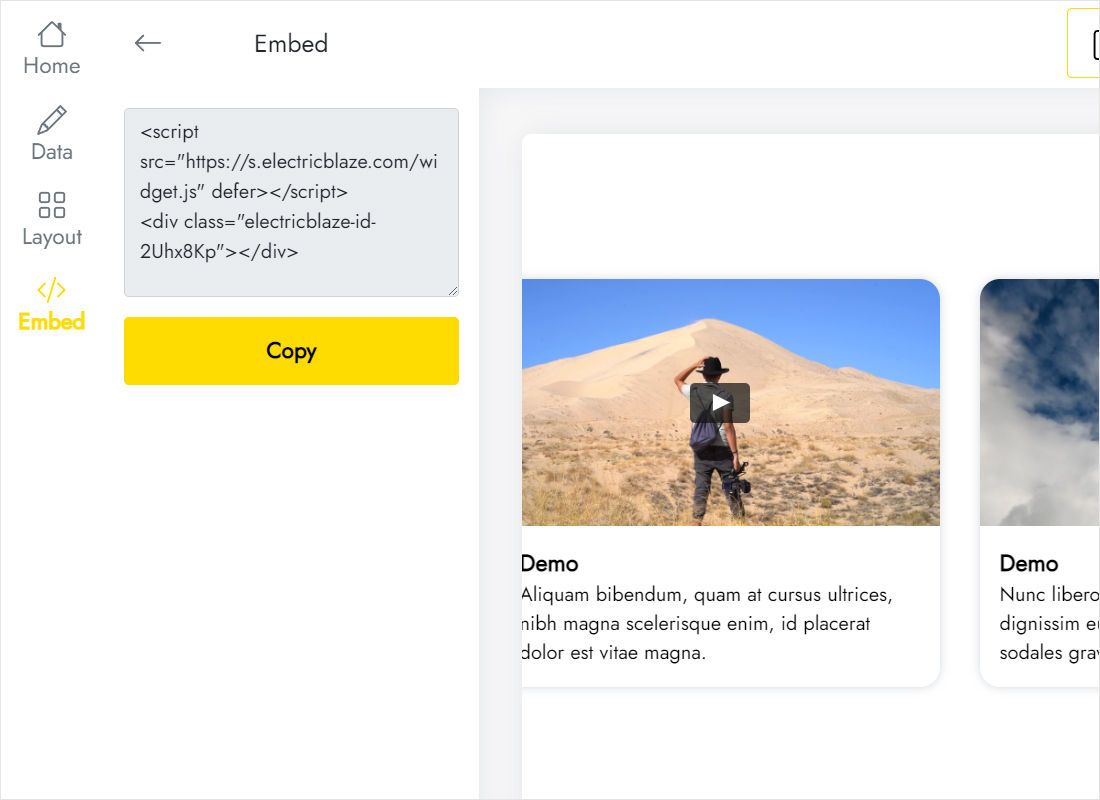
Add to website hands you the snippet to copy.
Step 2: Place the video gallery on your site
Switch over to the builder.
- Navigate to the page reserved for films, lessons or portfolio work.
- Insert → Embed opens a dialog; click its Embed code tab.
- Paste, choose Next and, once covers show, press Insert.
- Resize the frame, width first because widescreen covers need it, then only as much height as the rows require.
- Publish and try playing one film from the public page.
Fresh uploads slot into the gallery automatically; the Sites page itself stays untouched.
Aspect ratio and sizing for widescreen clips
Most uploads on this platform are widescreen, near 16:9, so a row of covers is far wider than it is tall. Three columns spanning the page need less height than you might guess, whereas a single-column slider squeezed into a side section needs proportionally more.
- Portfolio. Gallery, three columns, full width, captions on for project titles.
- Course page. Slider beneath the lesson description, keeping the page short.
- Phones. Columns collapse into one; add height if the frame begins to scroll.
Refresh timing: daily with Free, hourly with Start.
Vimeo on Sites: FAQ
Can I insert a single Vimeo video without a widget?
Yes. Copy the snippet from that film’s share options and paste it into Embed code. Only that one clip will show.
Why does Insert list YouTube but not Vimeo?
The Insert panel offers Google-owned services. Every other video platform comes in through Embed, and so does a full YouTube channel listing.
What does a gallery like this cost?
Nothing on Free, which allows five widgets and a thousand monthly views on unlimited websites. Start is $5 a month on yearly billing.
Can one gallery appear on several pages?
Yes. Drop the identical snippet into an Embed frame wherever you need it.
Next guides
Other feeds for this builder, the Vimeo widget overview and the embed basics:
Create your video gallery
Link your account once and let every future upload find its way to your portfolio.
Create a widget